Contents [ hide
1 User Manual
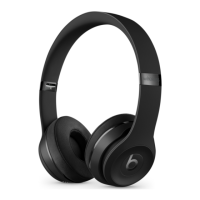
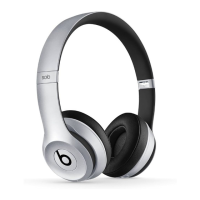
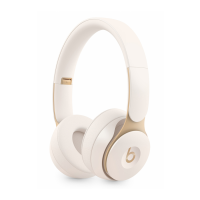
1.1 Solo3 Wireless Headphones
2 STEP 1: TURN ON BLUETOOTH®
3 STEP 2: CONNECT SOLO3 WIRELESS
4 STEP 3: START LISTENING
5 USE WITH YOUR OTHER APPLE DEVICES
6 WIRELESS CONTROLS
7 WIRELESS SETUP FOR OTHER DEVICES*
8 WIRED PLAYBACK
9 WIRED CONTROLS
10 CHARGE
11 Read More About This Manual & Download PDF:
11.1 Questions about your Manual? Post in the comments!
12 Related Manuals:
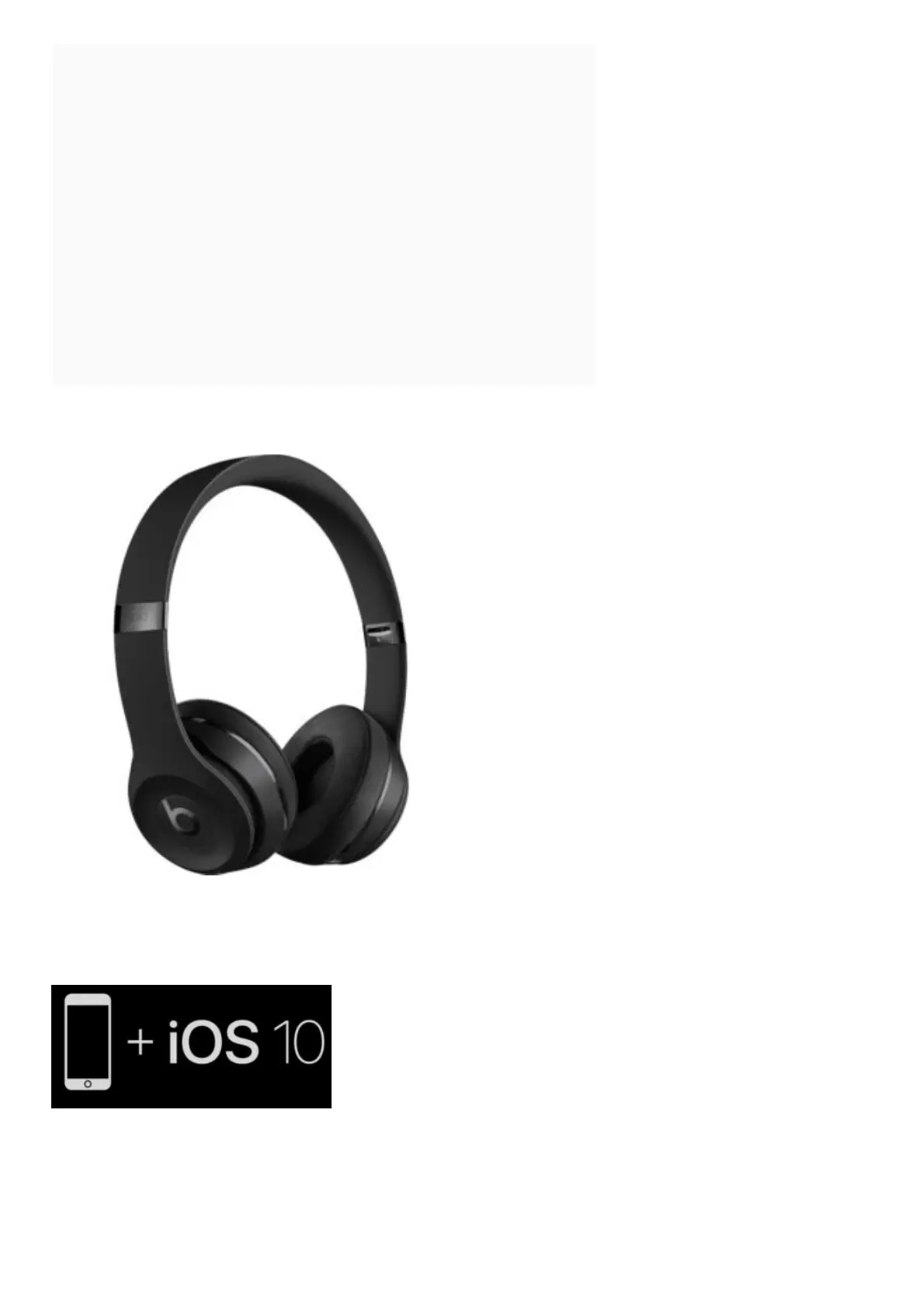
User Manual
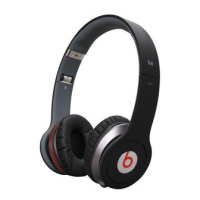
Solo3 Wireless Headphones
To connect to iPhone with iOS 10 or later follow steps 1–3. For all other devices see the back of this
guide.
STEP 1: TURN ON BLUETOOTH®
Swipe up from the bottom of the screen and tap the Bluetooth® icon.



 To Next Page