Need help?
Do you have a question about the Beats Studio and is the answer not in the manual?
To avoid hearing damage, ensure volume is turned down before connecting headphones and gradually increase.
Table comparing common sound levels (dB) and their potential to cause hearing damage over time.
Avoid using headphones in unsafe environments like driving to maintain awareness of surroundings.
Control playback of music or video by pressing the center button to play or pause.
Skip to the next or previous track by double or triple-pressing the center button.
Scan forward or backward through audio/video by pressing and holding the center button.
Answer, end, or decline calls using the center button on the remote mic.
Initiate voice commands by pressing and holding the center button.
Increase or decrease volume by pressing the top or bottom buttons.
 General
| Wireless | Yes |
|---|---|
| Driver Size | 40mm |
| Weight | 260g |
| Foldable | Yes |
| Noise Cancellation | Active Noise Cancellation (ANC) |
| Battery Life | Up to 40 hours (without ANC), Up to 24 hours (with ANC) |
| Connector | 3.5mm audio jack |
| Bluetooth | Yes |
| Microphone | Yes |
| Charging Time | Approximately 3 hours (fast charge: 10 minutes for 3 hours playback) |
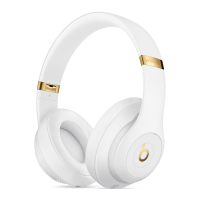
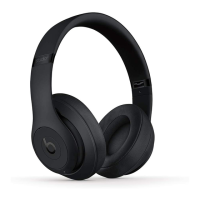
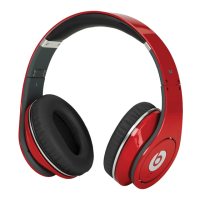
| Color Options | Black, White, Blue, Red |

 To Next Page