EasyManua.ls Logo

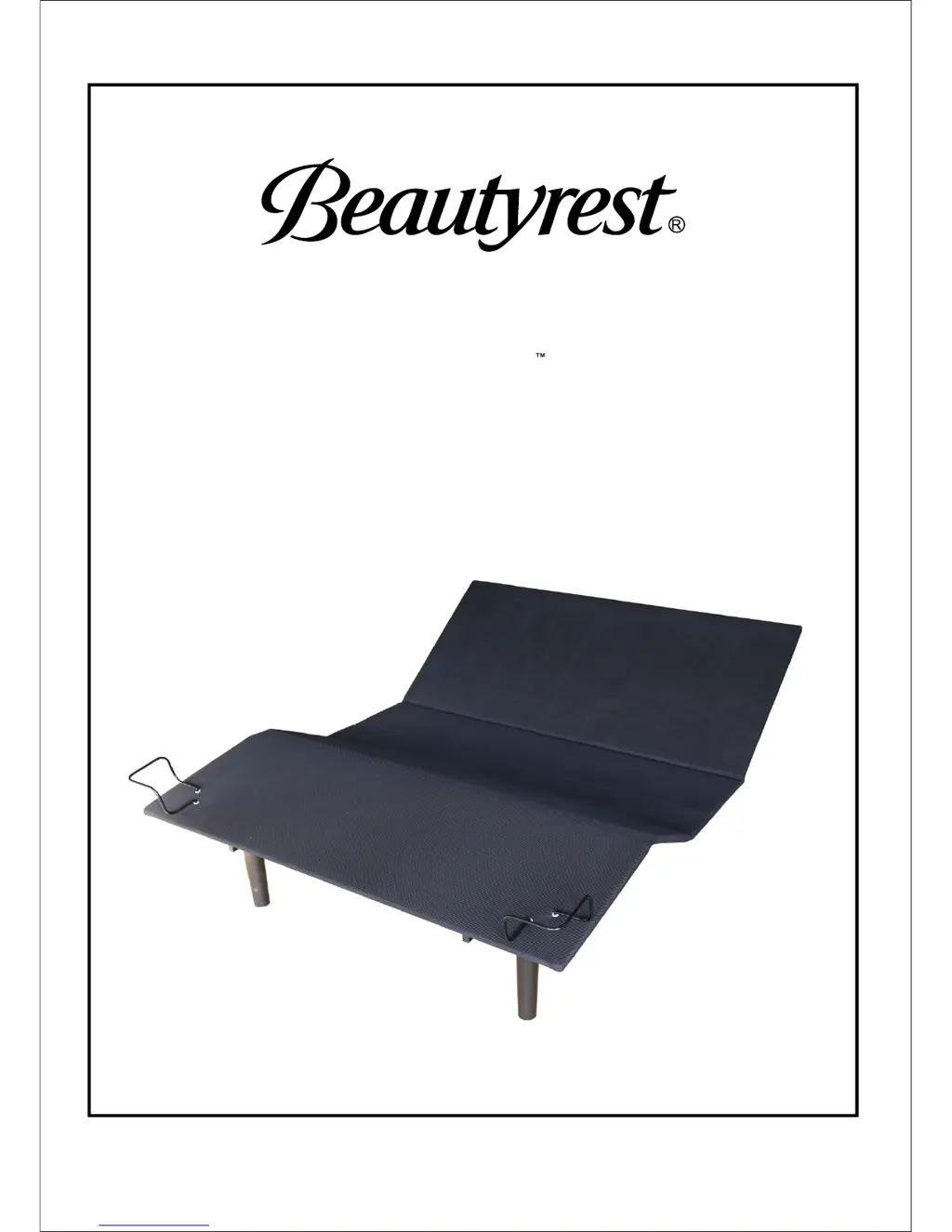
beautyrest Simple Motion - User Manual

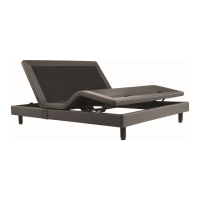
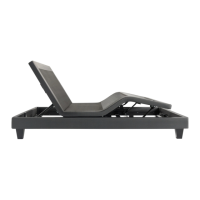
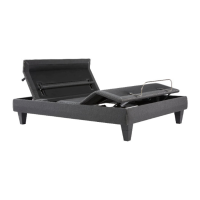
beautyrest Simple Motion
8 pages
Print Icon
To Next Page IconTo Next Page
Loading...
Owner's Manual and Reference Guide
Actual product appearance and functionality may vary from photographs, illustrations and descriptions included in this manual.
Simple Motion Base
BR_V02

Questions and Answers

  • M
    Mr. Peter RussellAug 3, 2025
    What to do if beautyrest Simple Motion Indoor Furnishing remote is not working?
    • J
      Jamie WrightAug 3, 2025
      If your beautyrest Indoor Furnishing remote isn't working, try pressing the head-up and foot-up buttons simultaneously. The remote light should blink, indicating pairing with the control box and actuator. Also, ensure the batteries are good and replace them if needed.
  • E
    Edward NelsonAug 14, 2025
    What to do if beautyrest Indoor Furnishing head or foot section is stuck?
    • V
      Valerie ScottAug 14, 2025
      If the head or foot sections of your beautyrest Indoor Furnishing elevate but don't return to a flat position, it might be obstructed. Check for and remove any obstructions. Also, if the head section is too close to the wall, pull it out a bit. As a general solution, try unplugging the power cord from the outlet and then plugging it back in.
  • G
    Garrett CopelandAug 23, 2025
    How to troubleshoot beautyrest Simple Motion adjustable base not powering up?
    • S
      Sherri BuchananAug 23, 2025
      If your beautyrest Indoor Furnishing adjustable base isn't powering up, check the following: * Ensure all wired connections underneath the base are secure. * Remove any obstructions that might be preventing movement. * Try plugging the base into a different electrical outlet, testing the original outlet with another appliance first. A grounded surge protector is recommended. * Check and reset the electrical circuit breaker if it has tripped.

Summary

Important Safety Information

General Safety Warnings

Covers warnings regarding electrical shock, burns, injury, pets, children, and in-home use.

Acoustics

Information on sounds generated by the adjustable base during use due to material tension or movement.

Base Overview

Remote Control

Child Lock Function

Instructions on how to activate and deactivate the child lock feature on the remote control.

Quick Reference Guide

Installation Guide

Unpack Adjustable Base

Steps for unpacking the adjustable base, removing packaging, and preparing for setup.

Unfold Adjustable Base

Instructions on safely unfolding the adjustable base, cautioning about pinch points.

Install Legs

Guidance on screwing the six legs into the frame of the adjustable base.

Install Actuator Bracket

Procedure for installing the actuator bracket onto the adjustable base, ensuring correct orientation.

Install Actuators

Steps for connecting the head and foot actuators to the adjustable base.

Flip Adjustable Base

Instructions for safely flipping the adjustable base onto its legs with assistance.

Plug-in Adjustable Base

Guidance on plugging the power cord into a grounded outlet, recommending a surge protector.

Test Remote

Steps to test the remote control functionality after installation, including battery check.

Install Retainer Bars

Instructions for installing the two corner retainer bars at the foot of the base.

Installation Complete

Final step of placing the mattress on the base and confirming installation is finished.

Troubleshooting

Power or Responsiveness Issues

Solutions for the adjustable base not powering up or the remote not responding.

Movement or Stuck Sections

Troubleshooting for head/foot sections not moving or getting stuck in an upright position.

beautyrest Simple Motion Specifications

General IconGeneral
TypeAdjustable Bed
Wireless RemoteYes
Adjustable LegsYes
Head and Foot InclineYes
Zero Gravity PresetYes
BrandBeautyrest
ModelSimple Motion
Remote ControlWireless
SizesTwin XL, Queen, King, Split King
Adjustable PositionsMultiple
WarrantyLimited warranty

Related product manuals