Adjust the microscope up and down to
achieve different magnifications
Type-C port for dock charging
Lift Knob
Chassis Charging Port
Microscope Base Opening And Closing
Step-by-step Instructions:
Turn the upper brightness adjustment button clockwise, and hear the "Ta" sound, the observation
window lights up, that means the microscope base has been opened.
Turn the upper brightness adjustment button counterclockwise, and when you hear the "Ta" sound,
the observation window goes out, which means the microscope base has been closed.
(Note: After using the microscope, remember to close the microscope monoblock and cover the lens cap
at the same time.)
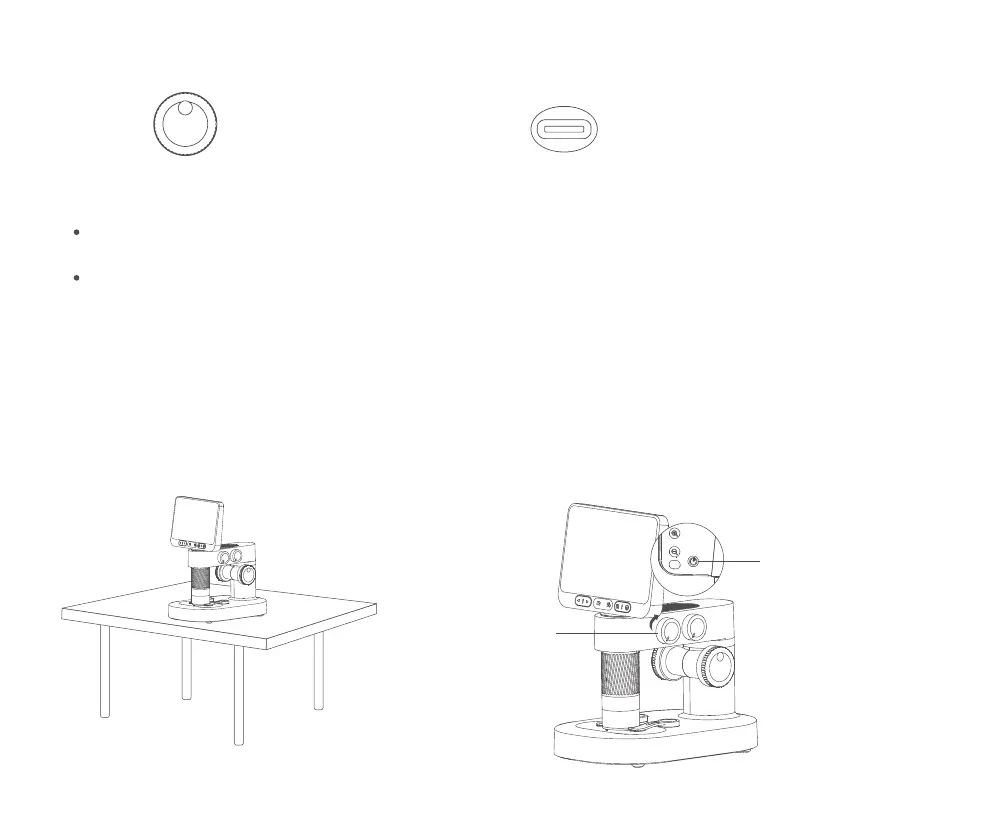
1. Place the microscope on a smooth table to
avoid shaking or dropping it.
2. Open the microscope lens barrel and open the base.
Long press the power button
for 3 seconds to open the
microscope
Turn on the base
light clockwise
13


 To Next Page