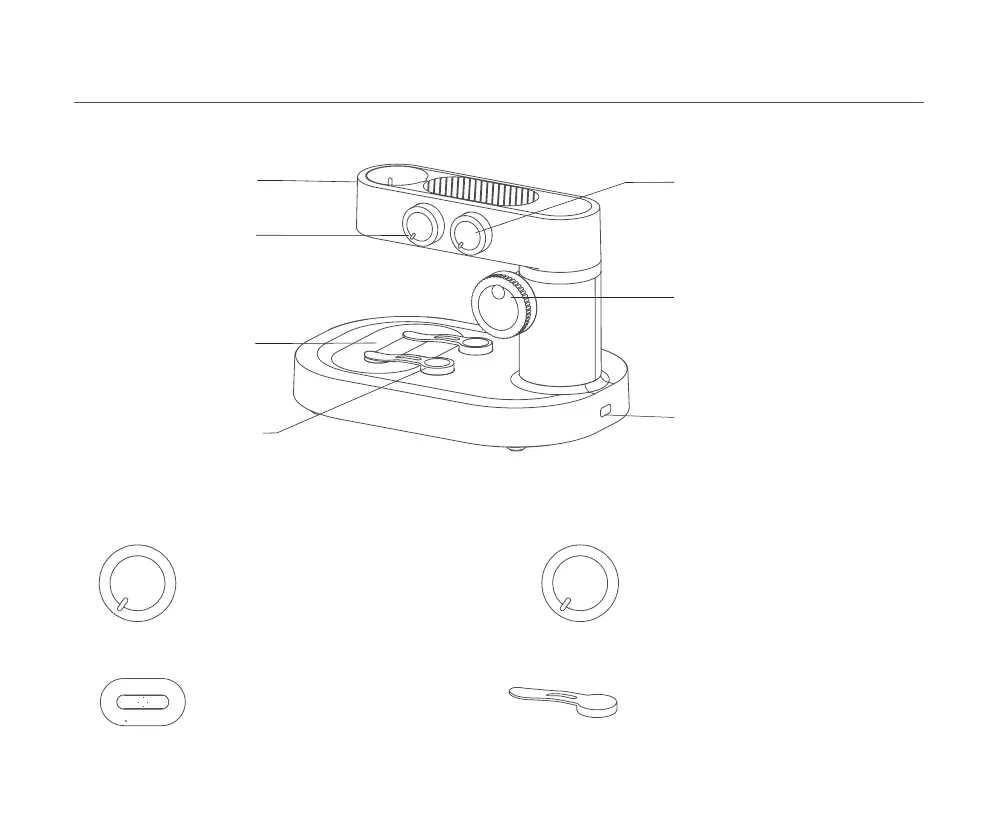
Base Switch /
Light Brightness Knob
Chassis Charging Port
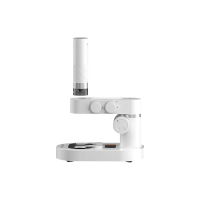
Microscope Base
Color Adjustment Knob
Lift Knob
Specimen Fixation Clips
Viewing Window
Microscope fixtures
Turn on and brighten the
viewing window clockwise
Dim the viewing window
counterclockwise and close it
Bottom light rendering window
Adjust the viewing window color clockwise
Adjust the viewing window color
counterclockwise and close it
Adjust the microscope up and down
Type-C port for dock charging
Fixation of specimens
or observation targets
Bottom light rendering window
Fixation of specimens or observation targets
Adjust the viewing window color in the order
of white, red, orange, yellow, green, blue, indigo,
and violet, clockwise, and counterclockwise and close it
Color Adjustment Knob
Turn on and brighten the viewing window clockwise
Dim the viewing window counterclockwise and close it
Base Switch / Light
Brightness Adjustment Knob
Viewing Window Specimen Fixation Clips
5 Microscope Pedestal Use Step By Step Instructions
12

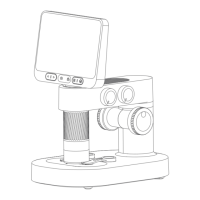

 To Next Page