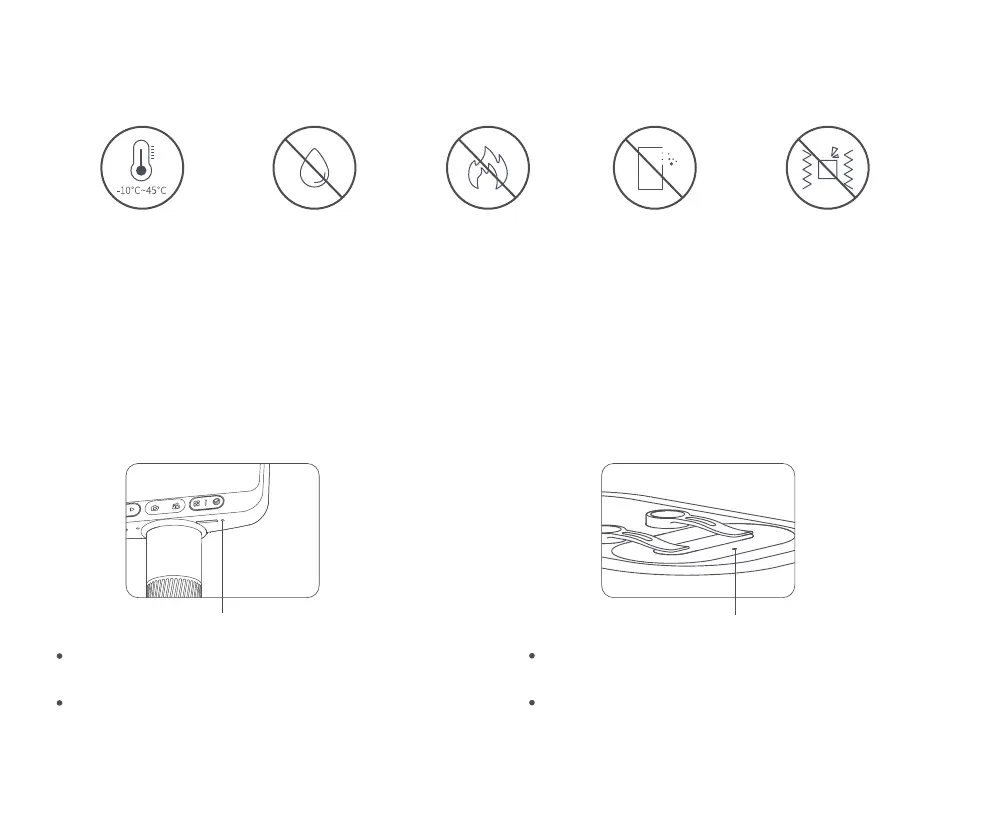
At low temperatures, the available battery capacity decays to varying degrees.
If abnormalities occur, please contact the after-sales department for repair. Private disassembly of the
microscope will not enjoy the three packages policy, and may lead to irreparable damage.
Usage Environment
Please use in -10℃~45℃
environment
Please avoid getting the
microscope wet with
water, drinking water,
corrosive liquid, etc.
Please avoid placing the
microscope near heat,
open flames, flammable
and explosive gases (liquids)
Please avoid dust
entering the microscope
lens and interior
Please avoid the
microscope to be
hit and violent vibration
05
Microscope single low battery, the power
indicator red light flashing fast;
The red light is always on when charging,
and the light goes off when full.
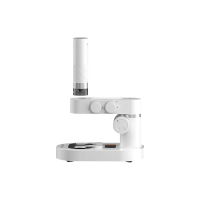
When the microscope base is low, the power
indicator flashes red;
The red light is always on when charging, and
the green light is always on when full.
Charging Instructions
Indicator light Indicator light


 To Next Page