26
7
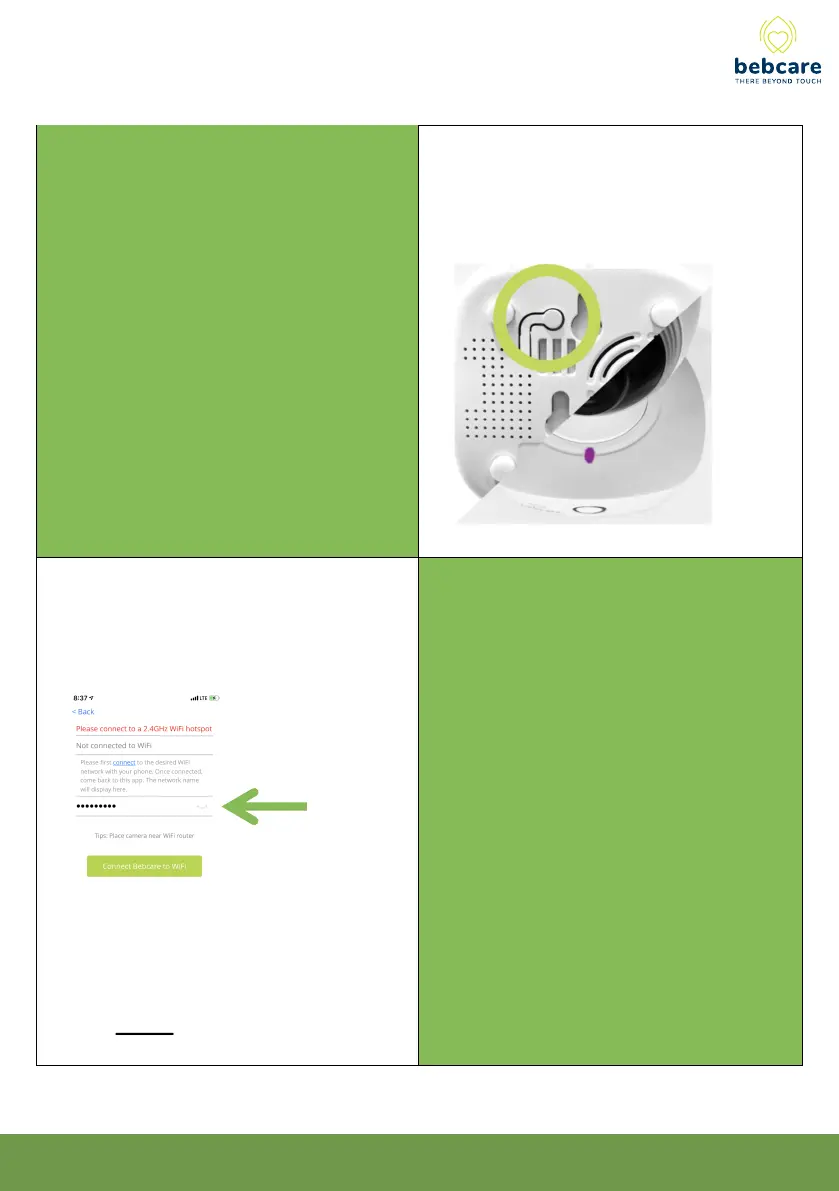
Press and hold the Pair button at the bottom of
the camera to put it into pairing mode. A voice
prompt from the camera confirms it has entered
into pairing mode. The LED on the top should
start flashing purple.
Make sure your phone is connected to the
same WiFi network that your camera connects
to. Enter the WiFi passcode in this step. The app
sends the WiFi name and passcode to the
camera to initiate the WiFi connection.
8



 To Next Page