81
1DYLJDWLRQ2SHUDWLRQ
• ! !!
A list of the last 50 destinations driven to is displayed.
With the right rotary control , the desired destination
can be selected. By pressing the left rotary control , in-
formation on the destination can be called up before con-
firming by pressing the right rotary control . Stopovers
are not stored as last destinations.
(QWHULQJ'HVWLQDWLRQ
In the Main Navigation menu, select !! with the
right rotary control and press to confirm.
6HOHFWLQJ&RXQWU\
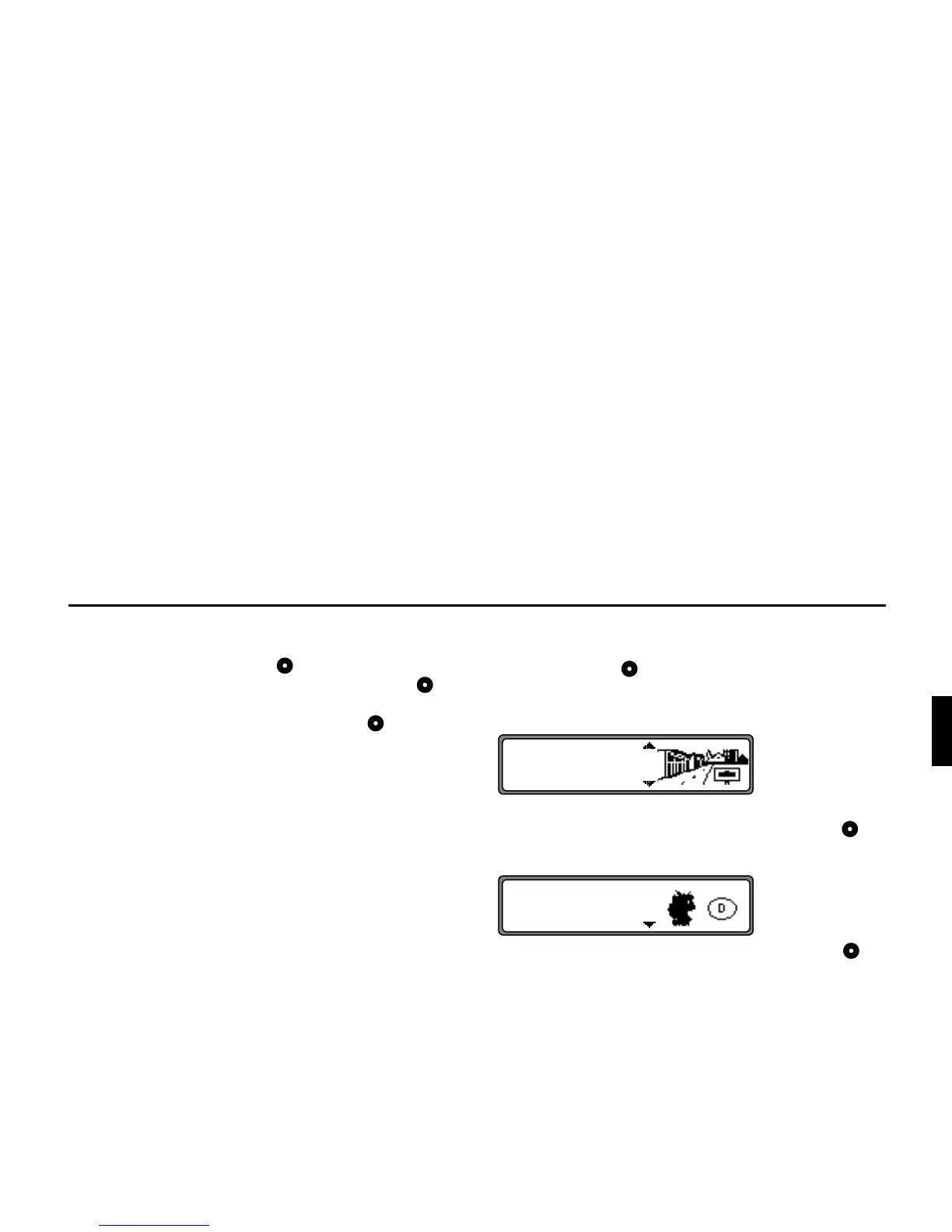
If your destination is in a country other than the one currently
shown, select
"!& with the right rotary control and
press to confirm.
Select the desired country with the right rotary control and
press to confirm.
1RWH When selecting a distant destination, we recommend
selecting a stopover (page 90) halfway.
&
!!















 To Next Page