85
1DYLJDWLRQ2SHUDWLRQ
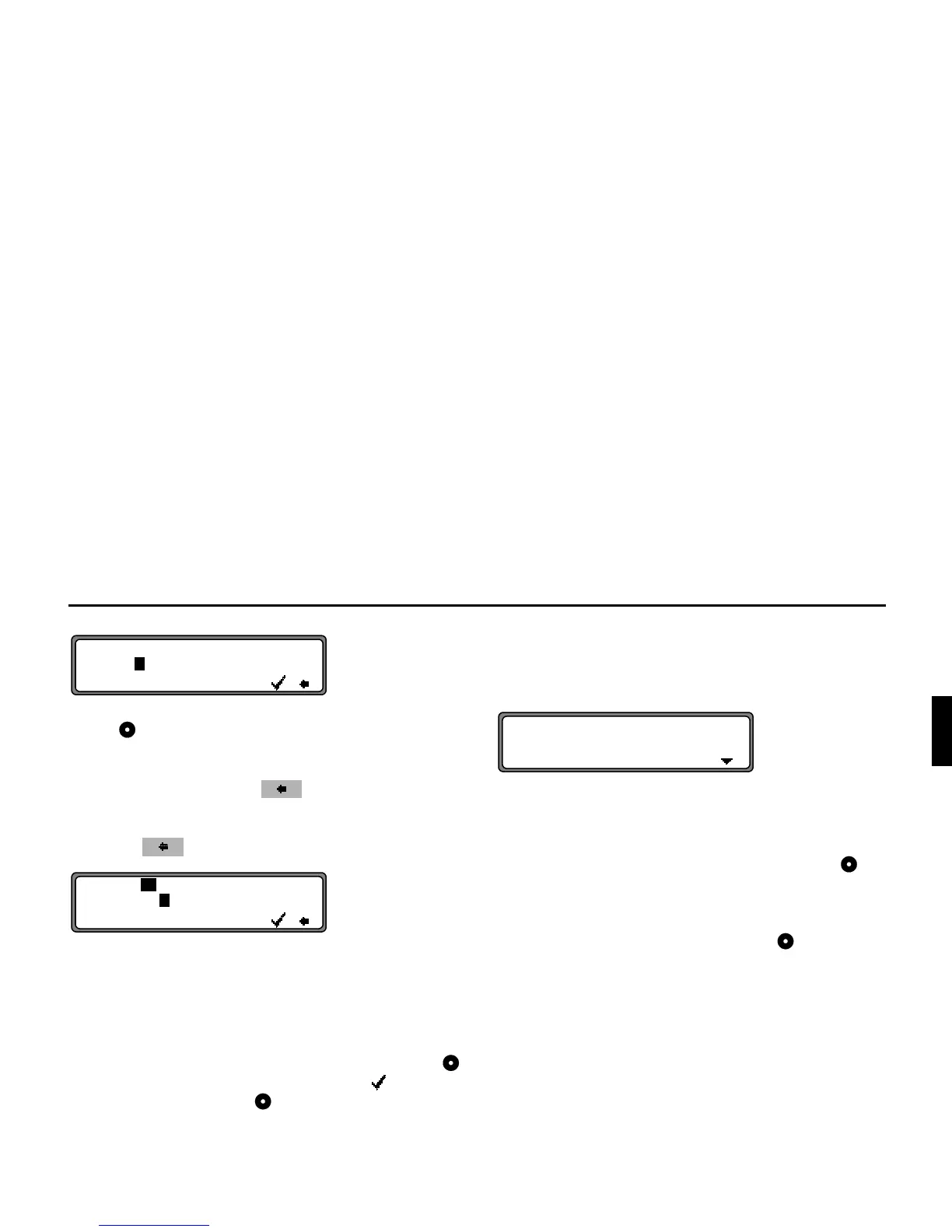
Select the letters one after the other by turning the right rotary
control and press to confirm. The selected letter appears
enlarged at the right of the display.
With the multifunction button , the last letter confirmed
is deleted.
The complete entry can be deleted by pressing the multifunc-
tion button for more than 2 seconds.
Letters that have already been entered are displayed inverse-
ly. For the purpose of support, the existing entry is displayed
at the next centre to be reached. The unit offers only the pos-
sible remaining letters for selection. If no other entries are
available, the unit completes the centre-name.
To accept the entry, press and hold the right rotary control
for more than 2 seconds or select the small tick and briefly
press the right rotary control .
Once the complete centre name is entered or automatically
completed, the program switches to the Route menu.
If the selection is not clear, the program switches to the Centre
list.
The centre nearest to the entry appears in capital letters in the
centre list.
The scroll marks indicate that other centres in alphabetical or-
der can be selected.
Select the centre by turning the right rotary control and
press to confirm.
Program switches to the Route menu.
1RWH By pressing the right rotary control for more than
2 seconds without previously entering a letter, a list of
the possible location centres will immediately appear.















 To Next Page