88
1DYLJDWLRQ2SHUDWLRQ
Further information under ”Dynamic Route Guidance” on
page 106.
•
!!
Provides options for avoiding bridges, ferries, tunnels or
toll roads
A selection can be made by turning the right rotary
control, and settings can be changed by pressing the
right rotary control .
Pressing the control for more than 2 seconds accepts all
the settings and exits the menu.
1RWH Routes without motorways can only be calculated
within a radius of approximately 200km.
(QWHULQJD'HVWLQDWLRQLQWKH'HVWLQDWLRQ0H
PRU\
It is not mandatory for navigation to store a destinations in the
destination memory. It saves repeated manual entry, if the
destination occurs again at a later date.
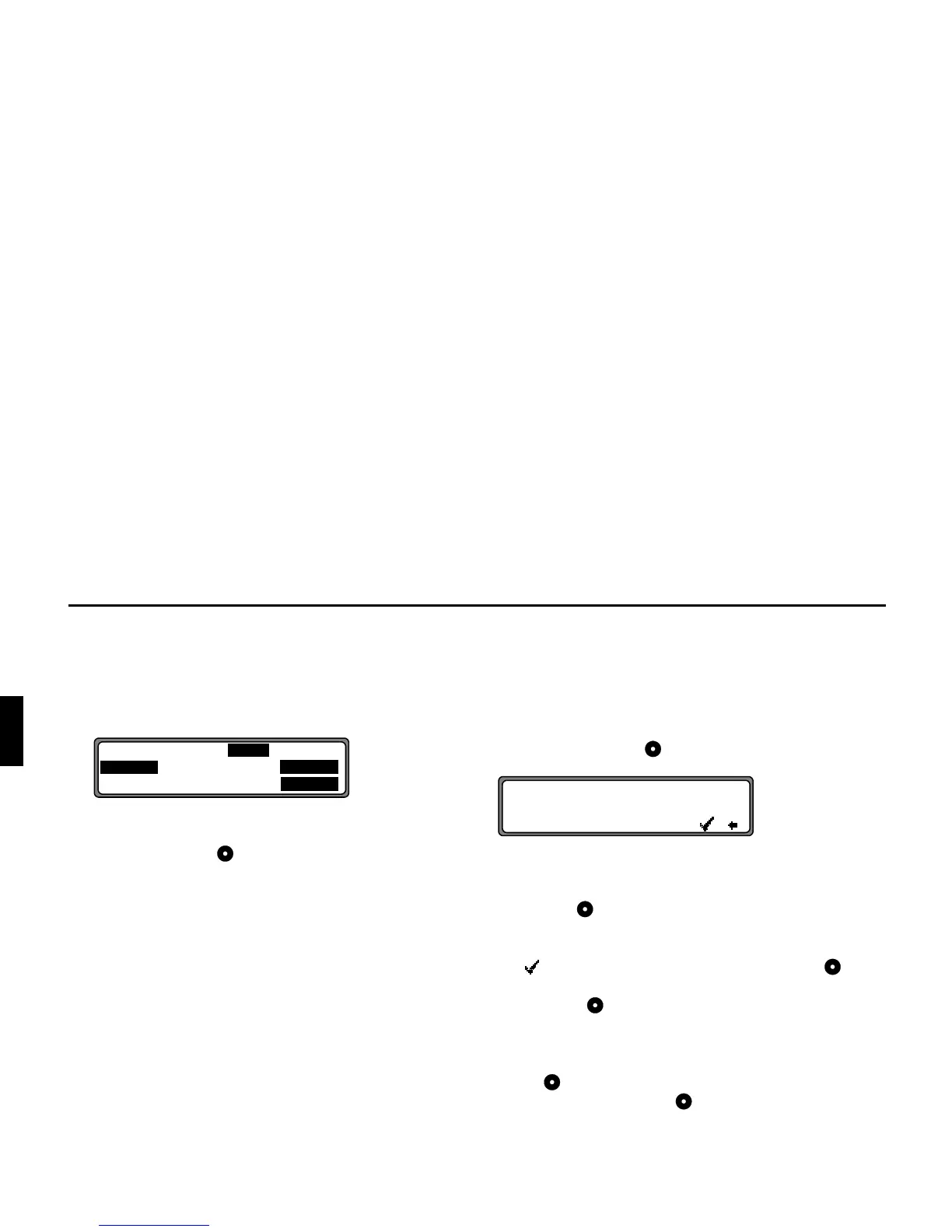
In the Route menu, select
# !! by turning
the right rotary control and press to confirm.
A name of your choice consisting of up to 14 characters can
be entered for the specified destination, and is stored auto-
matically in the destination memory by pressing the right ro-
tary control for more than 2 seconds. See ”Destination
Memory” on page 97.
The destination can also be stored by selecting the small
tick and briefly pressing the right rotary control .
Should you not wish to enter a name, press and hold the right
rotary control for more than 2 seconds and the destination
will be entered in the Destination Memory without a name.
The last destination entered can be filed into any desired po-
sition in the Destination Memory by turning the right rotary
control . The memory position is confirmed by briefly pres-
sing the right rotary control .
A total of 50 destinations can be stored
! $ & $!F$!"!
$!F$!"!
! $ ! F $ ! " !
O
!"#$%&'
qFGHY















 To Next Page