90
1DYLJDWLRQ2SHUDWLRQ
6WRSRYHU
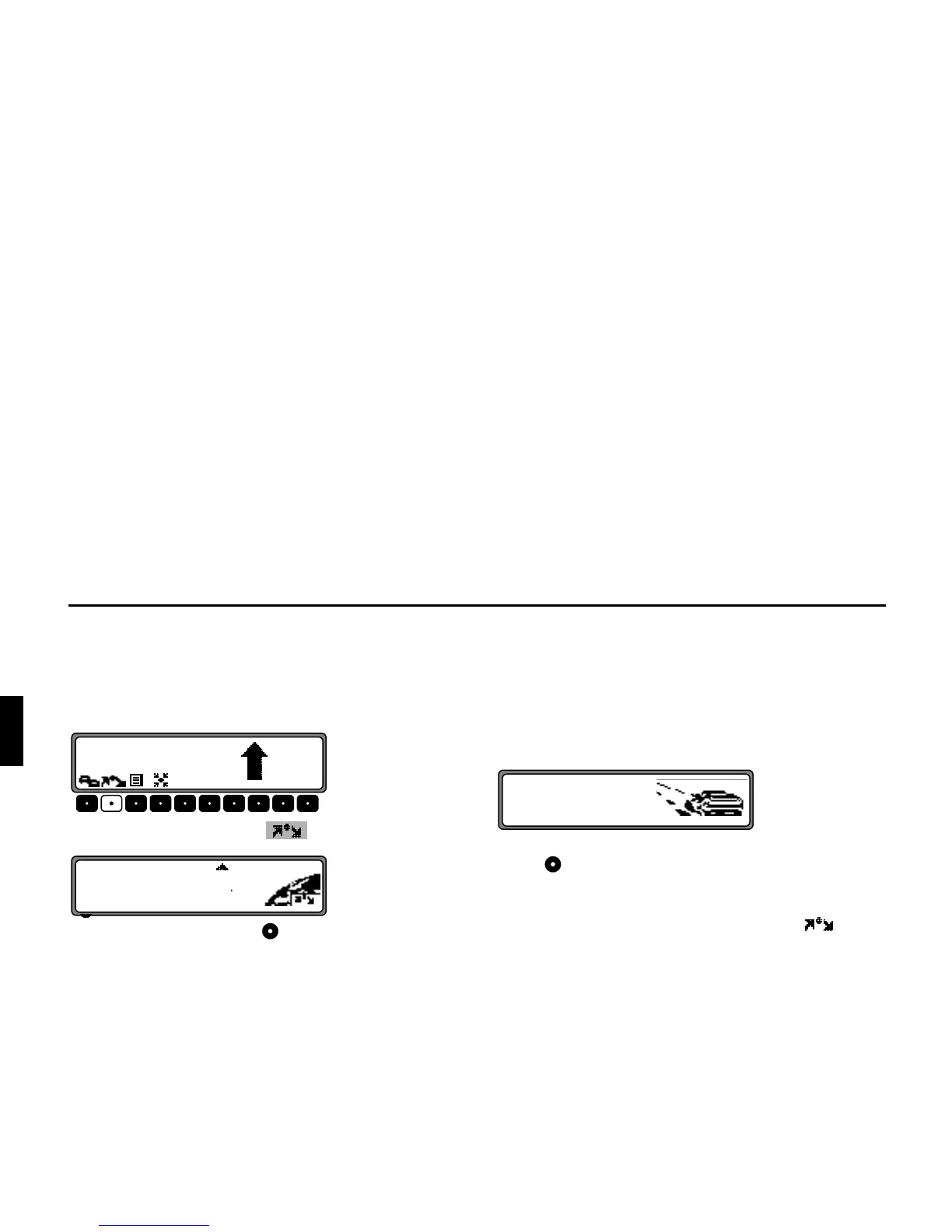
Stopover offers the possibility of entering a stopover destina-
tion during the active route guidance.
(QWHULQJD6WRSRYHU
Press the multifunction button .
Using the right rotary control , make a selection and press
to confirm.
•
!!&
(see page 97) Select a stopover from the destination me-
mory.
•
!!
(see page 81) allows entry of a stopover with the precise
specification of the address.
•
YYY
(see page 98) allows selection of special destinations
(Points of Interest) as a stopover via
,
!!
and !$F"!&; such as petrol stati-
ons or airports.
6WDUW5RXWH*XLGDQFHWRD6WRSRYHU
To start route guidance to the stopover, press the right rotary
control .
The route is calculated and route guidance begins.
1RWH During route guidance to a stopover, is dis-
played inversely.















 To Next Page