92
1DYLJDWLRQ2SHUDWLRQ
'HOHWH%ORFN
Press the multifunction button .
To delete a block, press the right rotary control within
8 seconds.
&DQFHOOLQJ5RXWH*XLGDQFH
Press the button.
The route guidance is cancelled when the right rotary
control is pressed within 8 seconds.
Otherwise route guidance will continue.
1RWHVRQ5RXWH*XLGDQFH
After entering the destination (address), the system calculates
the route and announces:
“Ready to drive off”.
The driving recommendations are given via voice messages
and displays on the screen.
By pressing the left rotary control the current driving re-
commendation can be heard again.
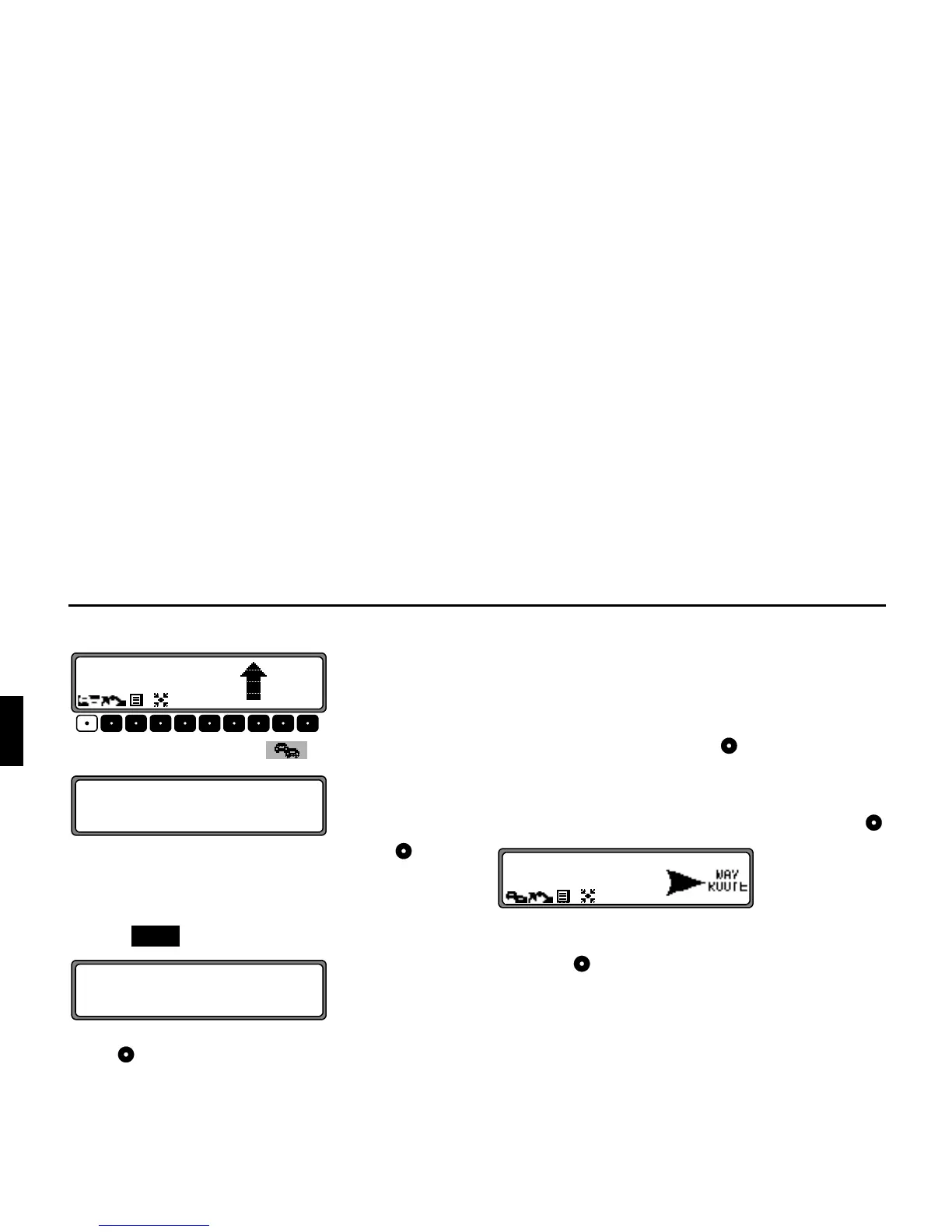
If the route to be travelled is not clear, e.g. at an intersection
where a change in direction is not specified, the direction of
travel can be displayed by pressing the right rotary control .
Please follow the direction indicated by the arrow.
The display appears for 8 seconds after pressing the right ro-
tary control .
$FFLGHQWKD]DUG
,I D GULYLQJ UHFRPPHQGDWLRQ FRQWUDGLFWV WKH DSSOLFDEOH
5RDG7UDIILF5HJXODWLRQV575WKH575DUHDOZD\VYD
OLG















 To Next Page