95
1DYLJDWLRQ2SHUDWLRQ
,QIRUPDWLRQGXULQJ5RXWH*XLGDQFH
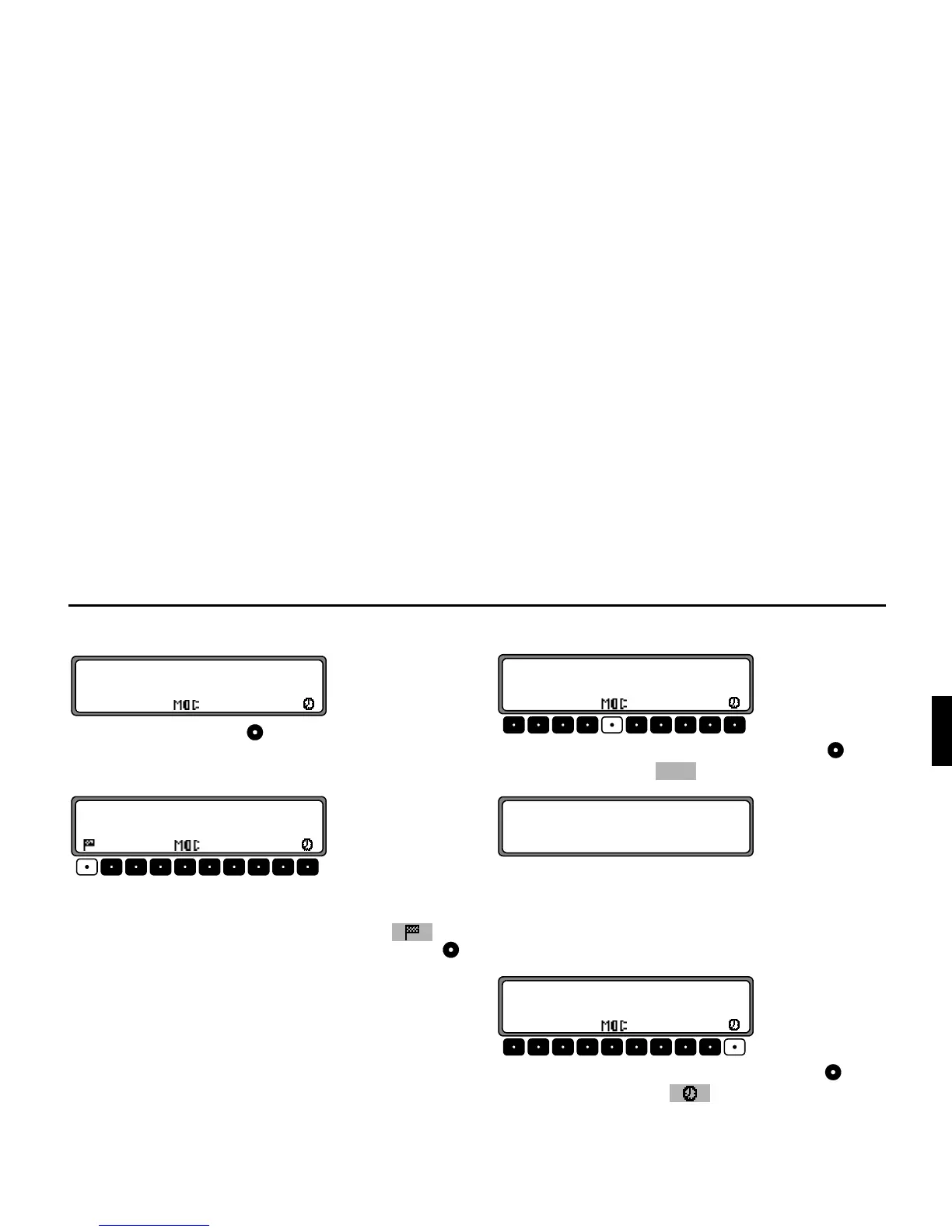
Press the left rotary control .
The destination, the distance and the estimated time of arrival
are displayed.
If a stopover has been specified, the stopover, the distance and
the estimated time of arrival are displayed. The main destina-
tion can be displayed via the multifunction button .
To return to route guidance, press the left rotary control
again or wait for 8 seconds.
'LVSOD\LQJ5RXWH6HWWLQJV
During route guidance, press the left rotary control . Press
the multifunction button .
The route settings are displayed.
After 8 seconds, the system returns to the route guidance dis-
play.
5HTXHVWLQJ&XUUHQW7LPH
During route guidance, press the left rotary control .
Press multifunction button .















 To Next Page