97
1DYLJDWLRQ2SHUDWLRQ
&DOOLQJXS6WUHHW/LVW
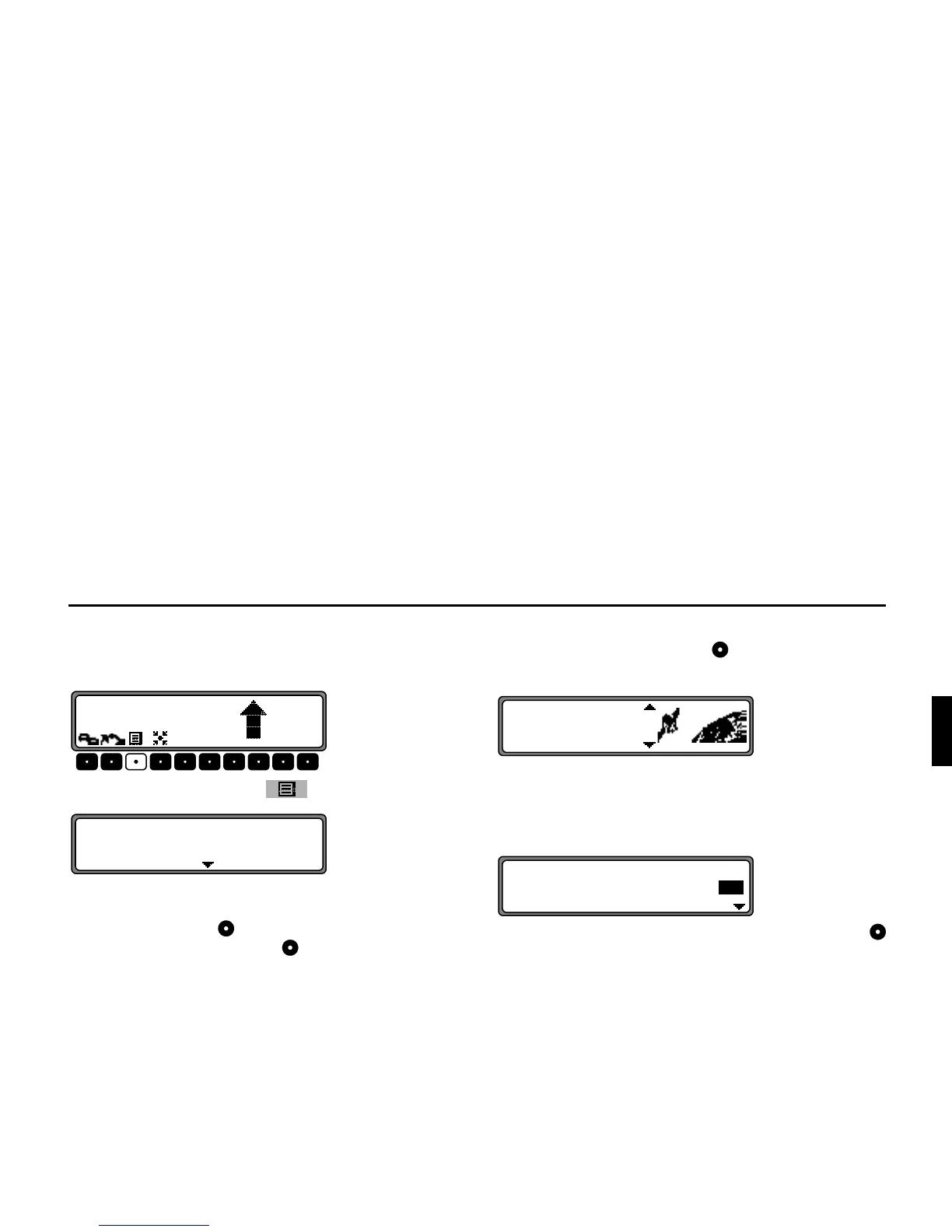
During Route guidance, the list of streets for the planned rou-
te can be called up.
Press the multifunction button .
The current road and the road names up to the destination are
displayed. The route list can be scrolled through by turning
the right rotary control .
Pressing the right rotary control returns you to the route
guidance display.
1RWH After entering the destination, it will take some time
until the route list is compiled.
If the vehicle is currently in an ”off road” area when
the destination is entered, no route list can be compiled
until a stored road is reached.
'HVWLQDWLRQ0HPRU\
Using the right rotary control , select !!
&
in the main Navigation menu and press to confirm.
The destination memory contains personally stored destina-
tions.
Once a destination has been stored, it does not have to be ma-
nually re-entered.
Select the desired destination using the right rotary control
and press to confirm.
Then start route guidance.















 To Next Page