121
&'2SHUDWLRQ
7UDFN6NLS)RUZDUGV%DFNZDUGV
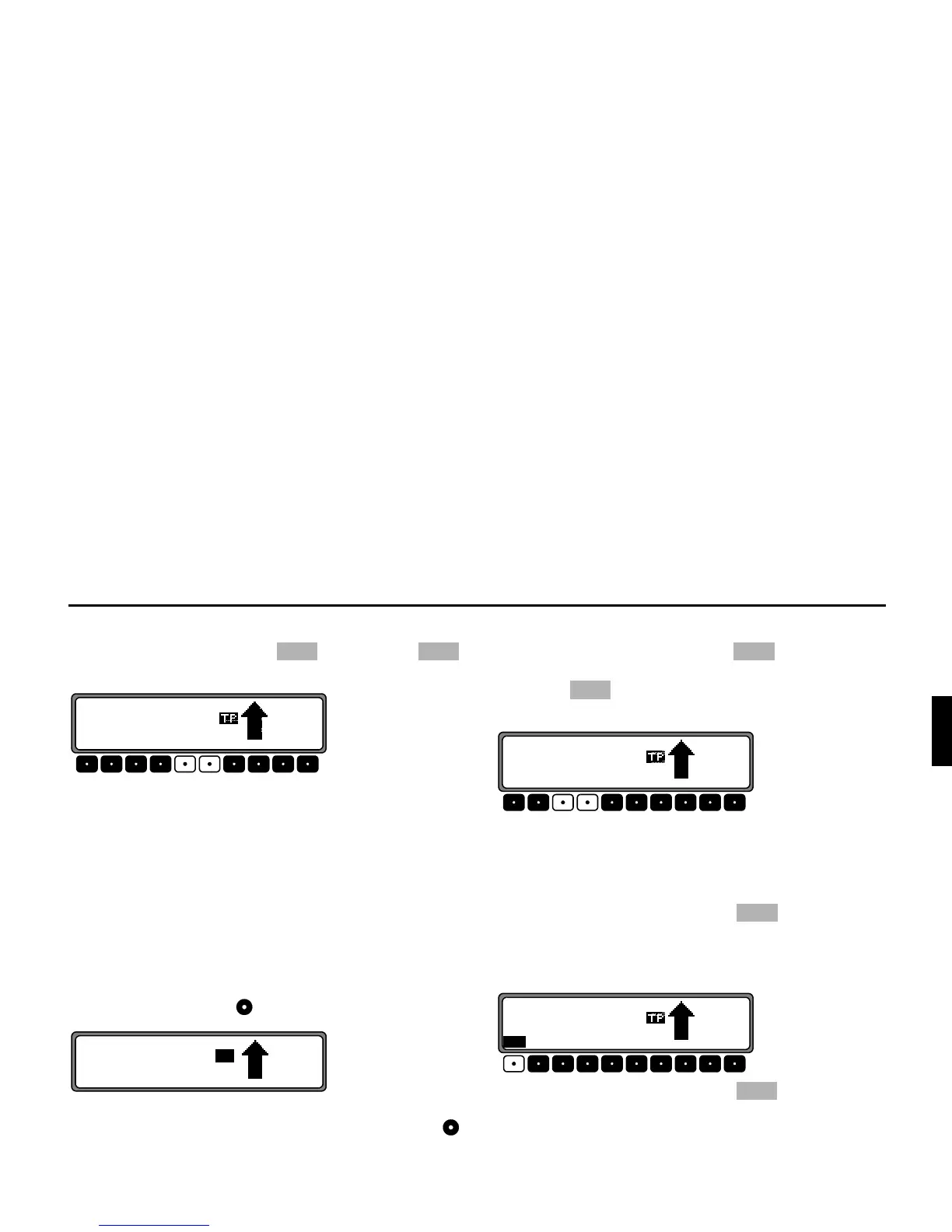
Press the multifunction button (forwards) or
(backwards)
By pressing the multifunction button repeatedly, several
tracks can be skipped over in forward or reverse directions.
Once the last track has been reached in the forward direction,
the unit switches back to the first track. Analogously, it swit-
ches from the first track to the last track when going back-
ward.
If a title has been playing for more than 10 seconds when the
skip button is pressed, the unit will skip back to the beginning
of the title playing.
6FDQ6HDUFK
Press right rotary control , will appear in the display.
All following CD tracks are played for 10 seconds each. To
terminate the scan search, press the right rotary control
again.
)DVW)RUZDUG5HZLQG
By pressing the multifunction button the Fast Forward
function (audible) is activated, or by pressing the multifunc-
tion button the Fast Rewind function (audible) is acti-
vated.
Fast forward / rewind is terminated by releasing the multi-
function button.
5DQGRP3OD\
By pressing the multifunction button the random play
function is activated. Subsequently, the titles from the current
CD will be played in random order. The prompt
5+ is dis-
played inversely.
By pressing the multifunction button again, the ”Ran-
dom Play” function is deleted.
M















 To Next Page