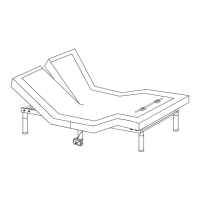
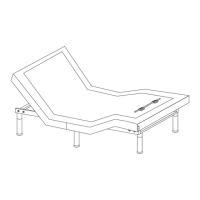
HEADBOARD
L
R
R
Press
and hold
L
Press
and hold
- 11 -
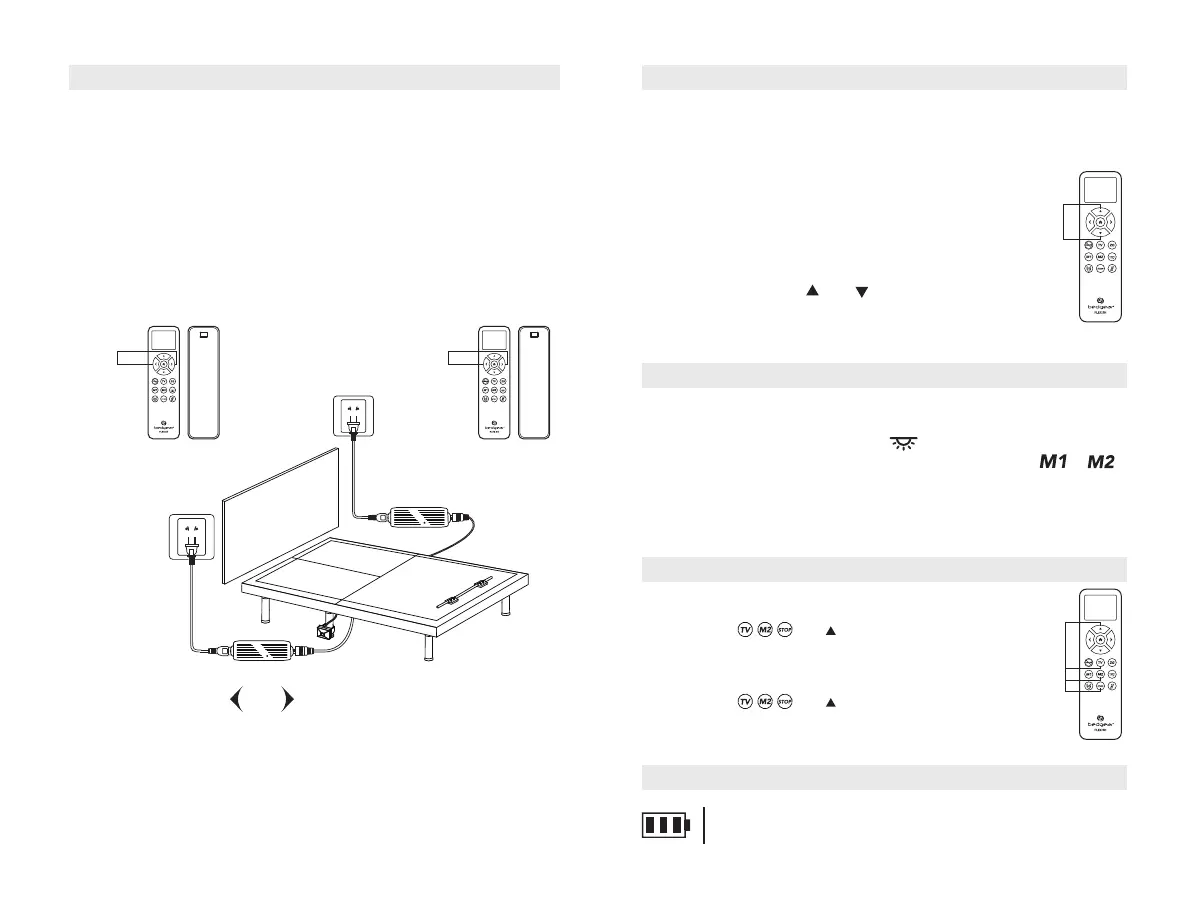
Pairing Remote
Make sure the batteries of both remotes are good. Replace them when
needed.
Unplug
both
power cords from the power sources. If 9V backup
batteries were installed in the power supplies, remove them.
STEP 1:
STEP 2:
ATTN: THE TWO REMOTES CANNOT BE PAIRED AT THE SAME TIME.
The original remotes that came in the box are already paired to the foundations.
No further action is required. In the event when the remotes are not paired with
the foundations, follow the pairing instructions below.
Setting Programmable Position
Adjust the head and foot to your desired position.
To save a new position, repeat step 1 and 2 and the new position will
be saved.
Press and hold the LED button for about 5 seconds until the
screen shows SAVE, then press programmable buttons or ,
until you hear 2 beep sounds.
STEP 1:
STEP 2:
STEP 3:
Foot Sync Instruction
STEP 1:Make sure both remotes are individualy
paired to the foundation. If any of the
remotes is not paired with the foundation,
please follow the paring instructions.
STEP 2:Make sure both foundations are at flat position.
STEP 3:Press and hold and on both remotes
at the same time for 8 seconds until the LCD
screen shows SYNC to achieve foot synchronization.
Press
and hold
Plug the power cord connected to the left side of bed ("
L
") back into the
power source. The LCD screen on the remote ("
L
") shows "PASS", and
you will hear an activation sound in 2 seconds indicating the remote ("
L
")
is paired to the power foundation.
STEP 3:
STEP 4:
Press and hold and until the LCD screen of the remote ("
L
")
shows "PAIR".
STEP 5:
The operation of pairing remote ("
R
") is the same as remote ("
L
"),
as in
steps 3 through 4.
ATTN: THE TWO REMOTES CANNOT BE USED AT THE SAME TIME
AFTER BEING SUCCESSFULLY SYNCHRONIZED.
Setting Remote Lock
LOCK
UNLOCK
Press and hold and buttons simultaneously for
about 5 seconds until the LCD screen shows LOCK.
Press and hold and buttons simultaneously for
about 5 seconds until the LCD screen LOCK disappear.
Press
and hold
BATTERY LEVEL
The battery icon in the upper-right conner shows the battery level,
replace the batteries when the battery level is low.


 To Next Page
 Loading...