IMPORTANT INSTRUCTIONS
USER OPERATING MANUAL – MODEL 1222NA/2222EU
Revision 1.0 P a g e | 6
System Operation
Power Switches:
Main power switch is located on rear of unit, directly below power cord. Switch unit on
and wait 3 seconds. The unit will beep once and orange power light on BedJet display will
light indicating ready for operation status.
Power limiter switch is located on rear of unit on right side. Under normal use this switch
should be set to HIGH POWER: 1500W setting. Setting this switch to LOW POWER: 800W
will software limit the maximum power of the BedJet Veterinary unit to approximately 800
watts. Use the LOW POWER setting only if two BedJet units are plugged into the same
outlet or other high power devices are connected to the same outlet causing concerns
about electrical outlet overloading.
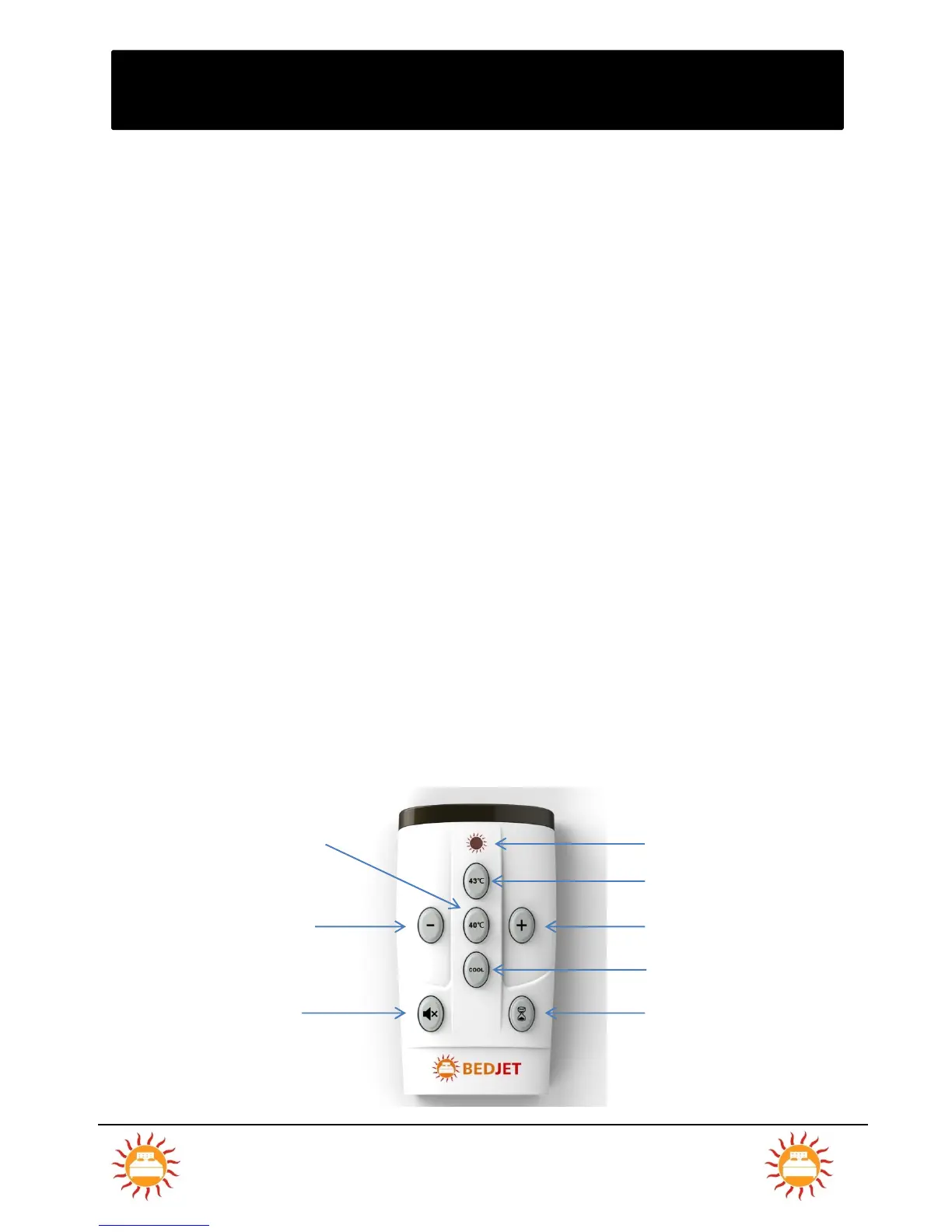
BedJet VET Wireless Remote Control:
All BedJet Veterinary operating modes are activated via the Wireless Remote Control or a
Bluetooth connected smartphone or tablet using the BedJet Veterinary App. There are no
exterior buttons located on the BedJet base unit for manual operation. The BedJet system
beeps once to acknowledge any ON commands and twice to acknowledge any OFF commands
from the remote.


 To Next Page