5. Download PRA and install the latest software version
Download link at:
https://www.gammaspectacular.com/software-downloads
5. Run Pulse Recorder and Analyser (PRA)
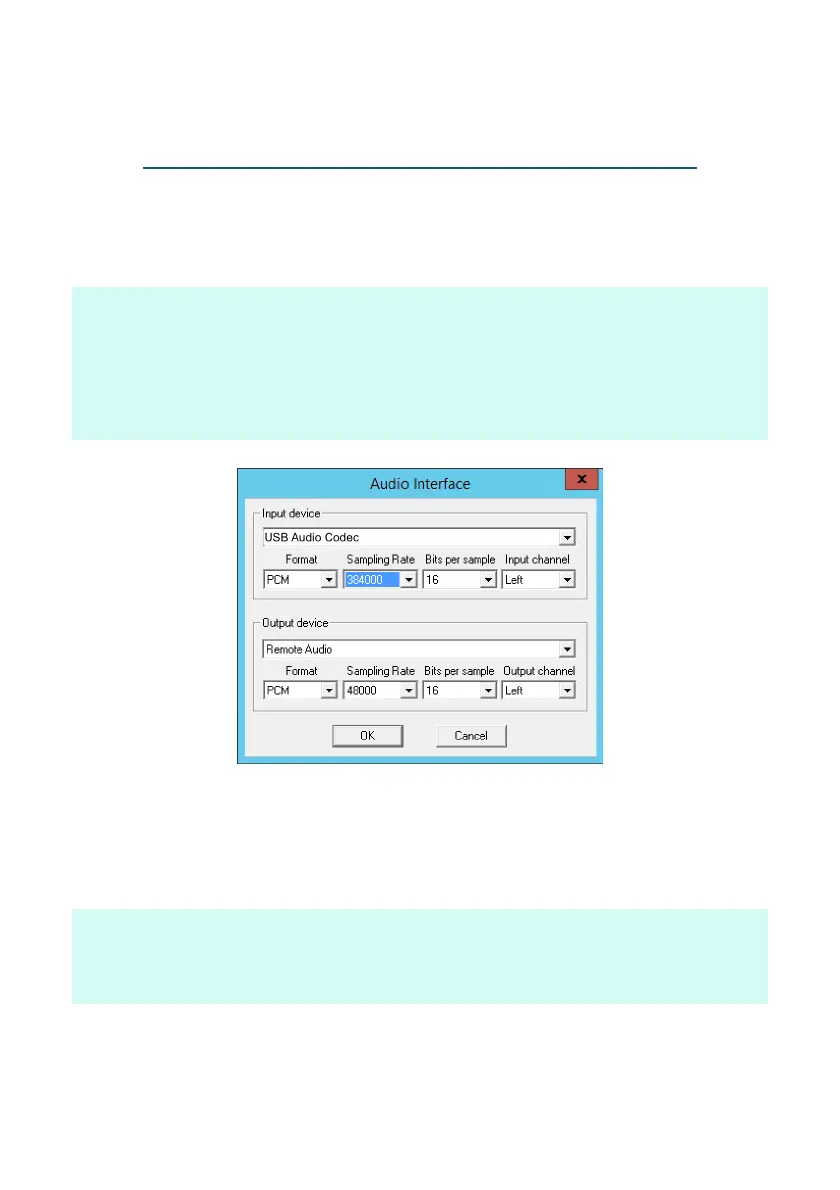
6. Go to Settings >> Audio interface, and select input device "USB
Audio Codec" , Left channel and Sample rate 48 kHz or higher.
note: Right channel is only used for coincidence counting.
note: Even though the ADC samples at 48 kHz, selecting a higher sample rate
improves results. The sample window is the product of time between samples
and number of sample points used. Choose a sample rate and number of
samples to create a reasonable size sample window to capture a 100 µs
pulse. Set the sample rate to 384 kHz if using all 60 sample points this will
give you a 2.6 µs x 60 samples = 156 µs window.
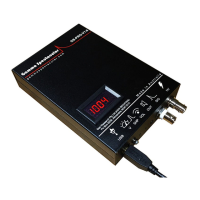
7. Connect a detector to the GS-USB-PRO using a proper high
voltage coaxial cable with suitable SHV connector, optionally
connect a signal cable to the BNC port if your detector has internal
coupling. Check that the voltage is in the correct range for your
detector.
note: Most detectors will have an acceptable plateau of a few hundred volts.
note: single wire detectors connect the SHV port, if your detector has a
BNC connector you will need an adaptor cable.


 To Next Page
 Loading...