Functions
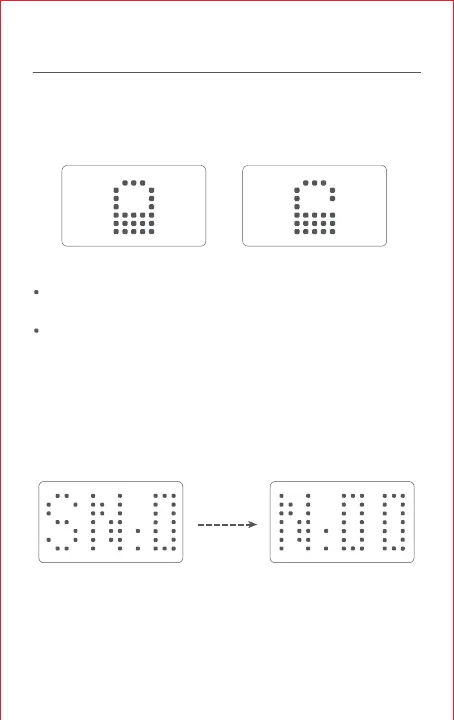
Lock
When your walkie-talkie is on, press and hold the middle button to
lock all buttons. To unlock, press and hold the middle button again.
Note:
When under locking, your walkie-talkie can still transmit signals
normally by pressing the PTT button.
Pressing any other buttons will all indicating the "locked" status.
Checking Factory Code
Turn on your walkie-talkie, press and hold the left button, and then
simultaneously press the PTT button for
1
second; the screen will
then scroll to display the factory code of the current device.
Scrolling left



 To Next Page