How to Use
Channel Switching
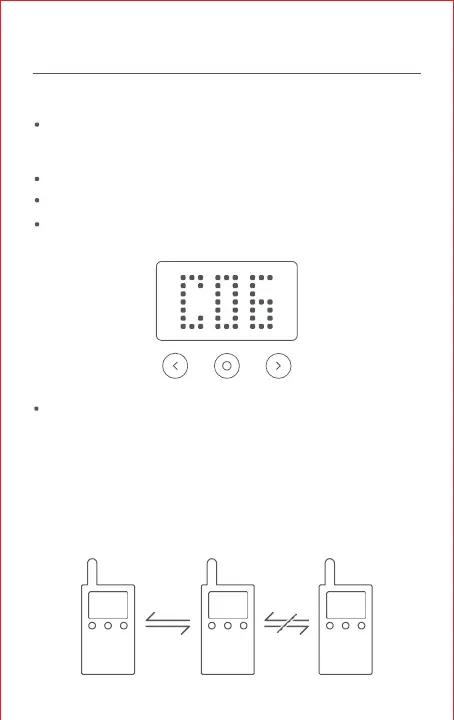
Press the middle button after turning on the device,and the
channel flashes indicating that the walkie-talkie is ready for
channel setting.
Press the left or right button to switch the channel.
Press the middle button again to manually end channel setting.
If there are no operations within 5 seconds, the walkie-talkie
ends channel switching automatically.
Note:
User could set customizable channels with legal frequency and
privacy code. Channels are not displayed by default.
Please go to settings in BEEBEST app to enable the display.
Talking
You can use the walkie-talkie instantly after you turn them on and
set them to the same channel.
C01 C01 C02



 To Next Page