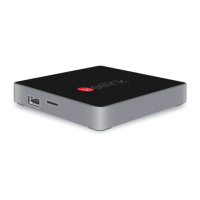
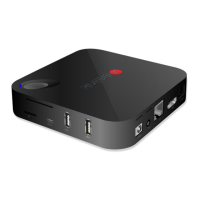
M8
User Manual
5
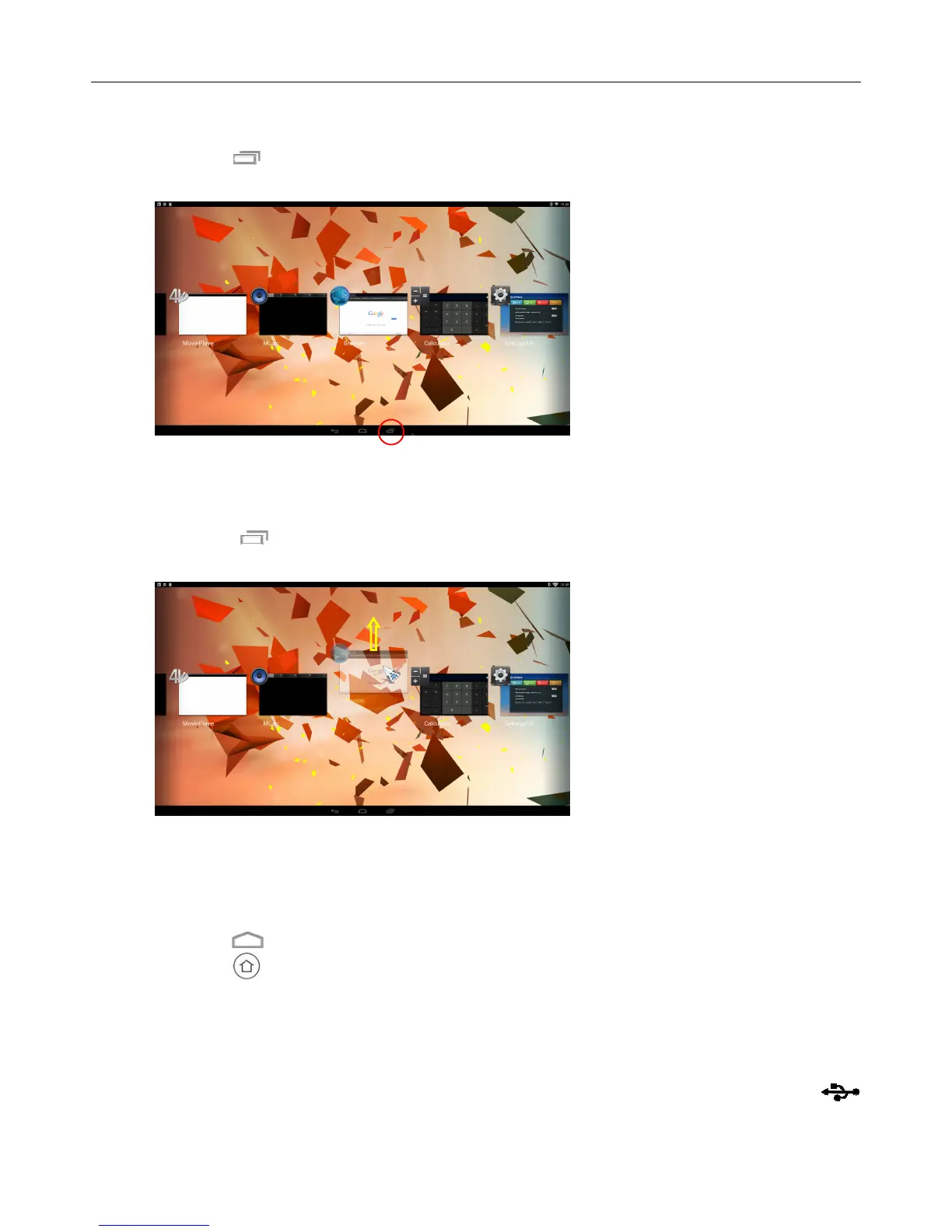
2.1.4 Switch in the applications
Click icon to view recently used programs, click program icon to switch application
arbitrarily
2.1.5 Close Applications
Click icon * to view recently used programs, choose one of them by click and hold,
drag it to blank area to close the application
* This function only operated in the condition of Mouse mode
2.1.6 Back To Home Screen
Click icon to return to home screen
Click icon on remote control to return to home screen
2.1.7 Read External Storage Data
Read U Disk
Insert U flash disk or removable hard disk into USB port in the status of power on, icon
appears in top left corner of the desktop, open “FileBrowser”, the identified USB(A:) will


 To Next Page