M8
User Manual
6
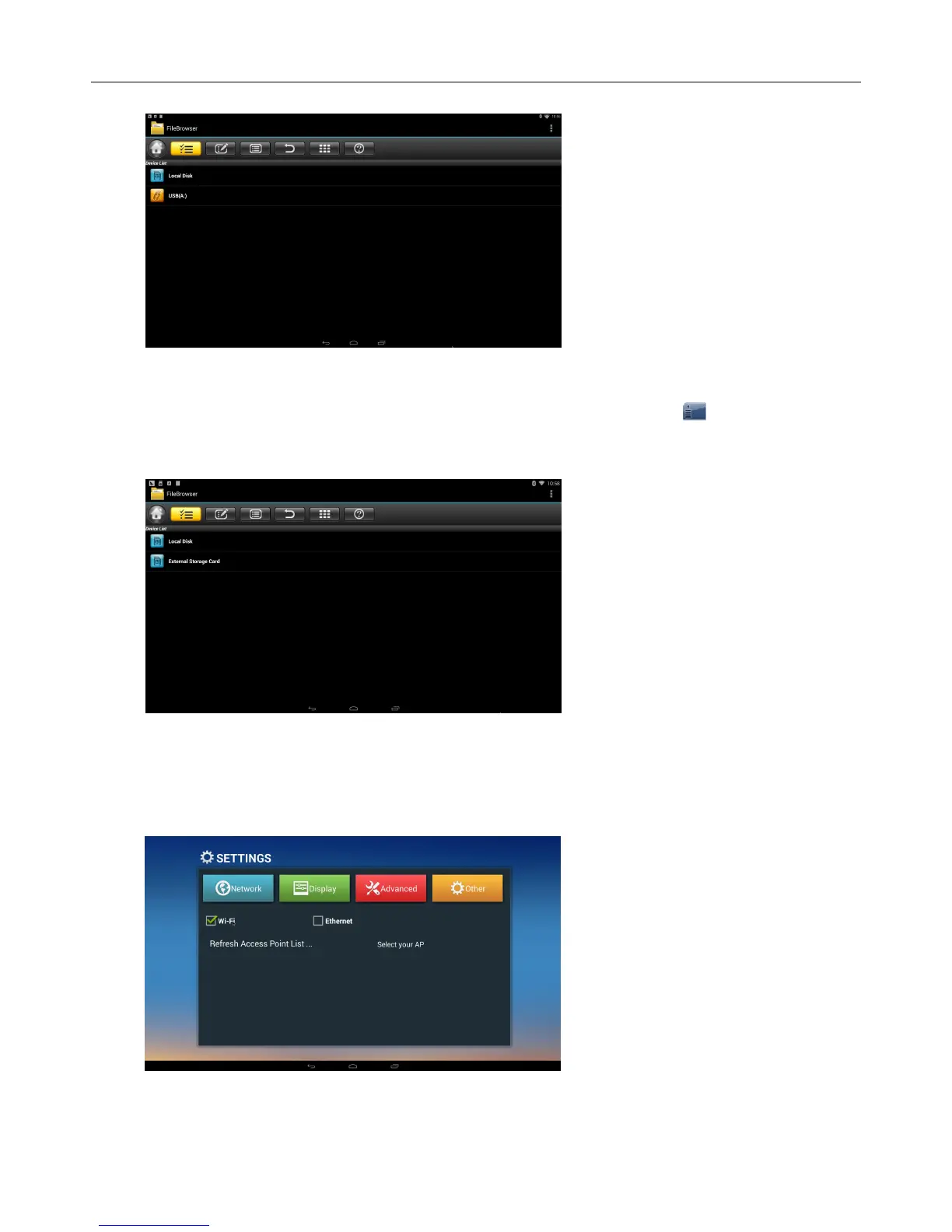
appear under “Local Disk”, U disk’s operation is available now
Read TF card
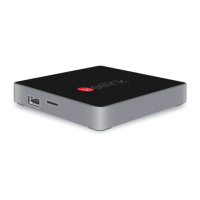
Insert TF card into the device in the status of power on, when icon appears in top left
corner of the desktop, open “FileBrowser”, the identified External Storage Card will appear
under “Local Disk”, TF card’s operation is available now
2.1.8 WIFI Function
Home Screen SETTINGSNetwork Select“Wi-Fi”to open WIFI function
Choose hotspot
Input Password Connect to the network


 To Next Page