27 EN
Storage
Disconnect the device from the mains power when it is not going to be used for a prolonged
period. Clean the device again if necessary (see the “Cleaning and Care” chapter) and let it dry
completely.
Store the device and all accessories in a dry, clean, frost-free place that is protected from direct
sunlight and cannot be accessed by children or animals.
Troubleshooting
If the device does not work properly, check whether you are able to rectify a problem yourself. If
the problem cannot be solved with the steps that are listed, contact our customer service depart-
ment.
Do not attempt to repair an electrical device yourself!
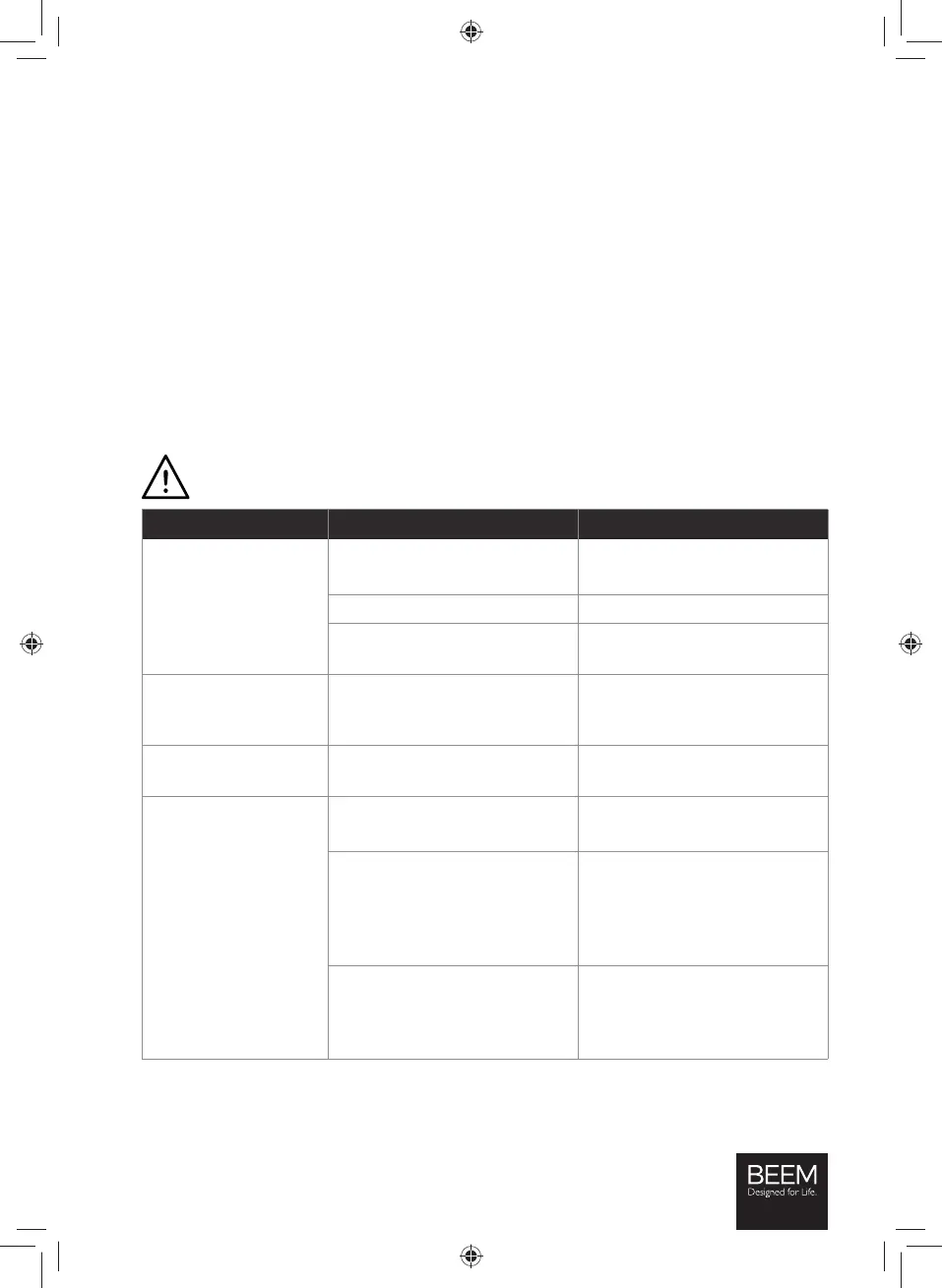
Problem Possible cause Fix
Nothing is shown on
the display (3).
The mains plug is not inserted
correctly in the plug socket.
Correct the fi t of the mains plug.
The plug socket is defective. Try another plug socket.
There is no mains voltage.
Check the fuse of the mains
connection.
The fuse in the fuse box
is triggered.
Too many devices connected to
the same circuit.
Reduce the number of devices in
the circuit.
The brewing process is
not started.
There is no / too little water in
the water tank (10).
Fill the water tank at least up to
the 4 cups mark.
Water runs out of the
device.
There is too much water in the
water tank (10).
Do not overfi ll the water tank!
The thermal jug (6) was removed
from the device during the
brewing process and as a result
there is too much water in the
permanent fi lter (8).
During the brewing process,
remove the thermal jug from
the device for no more than 30
seconds.
The coffee powder used is too
fi nely ground and the water
is unable to pass through the
permanent fi lter (8).
Use coffee powder with a
coarser grind.
02442_Inlay_DE-EN-FR-ES-IT_A5_V1.indb 2702442_Inlay_DE-EN-FR-ES-IT_A5_V1.indb 27 06.12.2019 11:35:0206.12.2019 11:35:02






 To Next Page