15 EN
Main menu
To navigate through the menu, you can use the cursor buttons on the remote control, or the up and down buttons on the side or back of
the monitor. These allow you to move up, down left or right, respectively. To confirm or to enter a specific setting use the ''ENTER"
button on the remote.
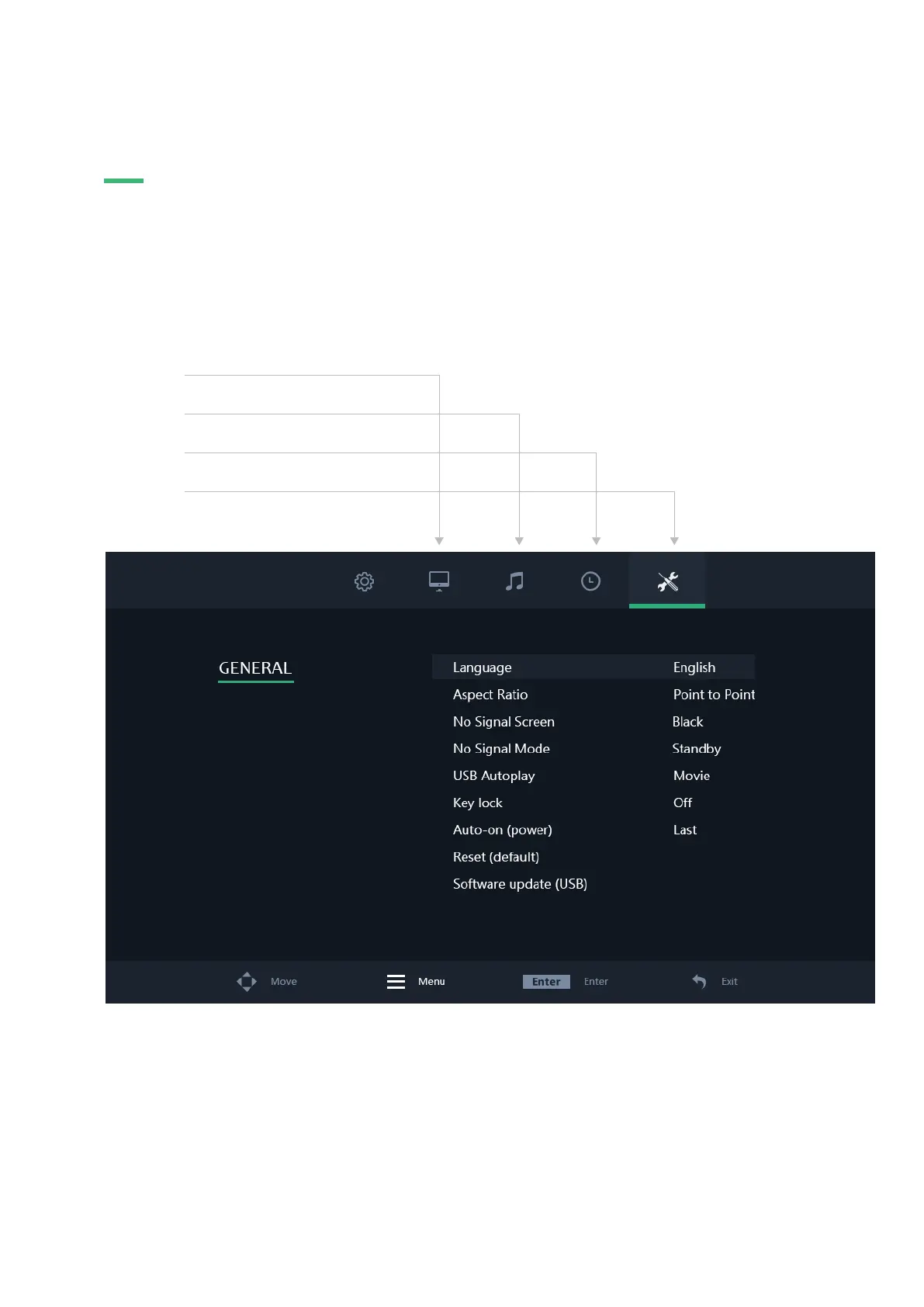
Press the ''MENU" button on the remote or the monitor to access the main menu. The menu consists of 4 categories spread over 4 tabs:
01 | Pictures
02 | Sound
03 | Clock
04 | General
MAIN MENU


 To Next Page