BEGA Gantenbrink-Leuchten KG · Postfach 31 60 · 58689 Menden · info
@
bega.com · www.bega.com
4 / 5
Button
combination
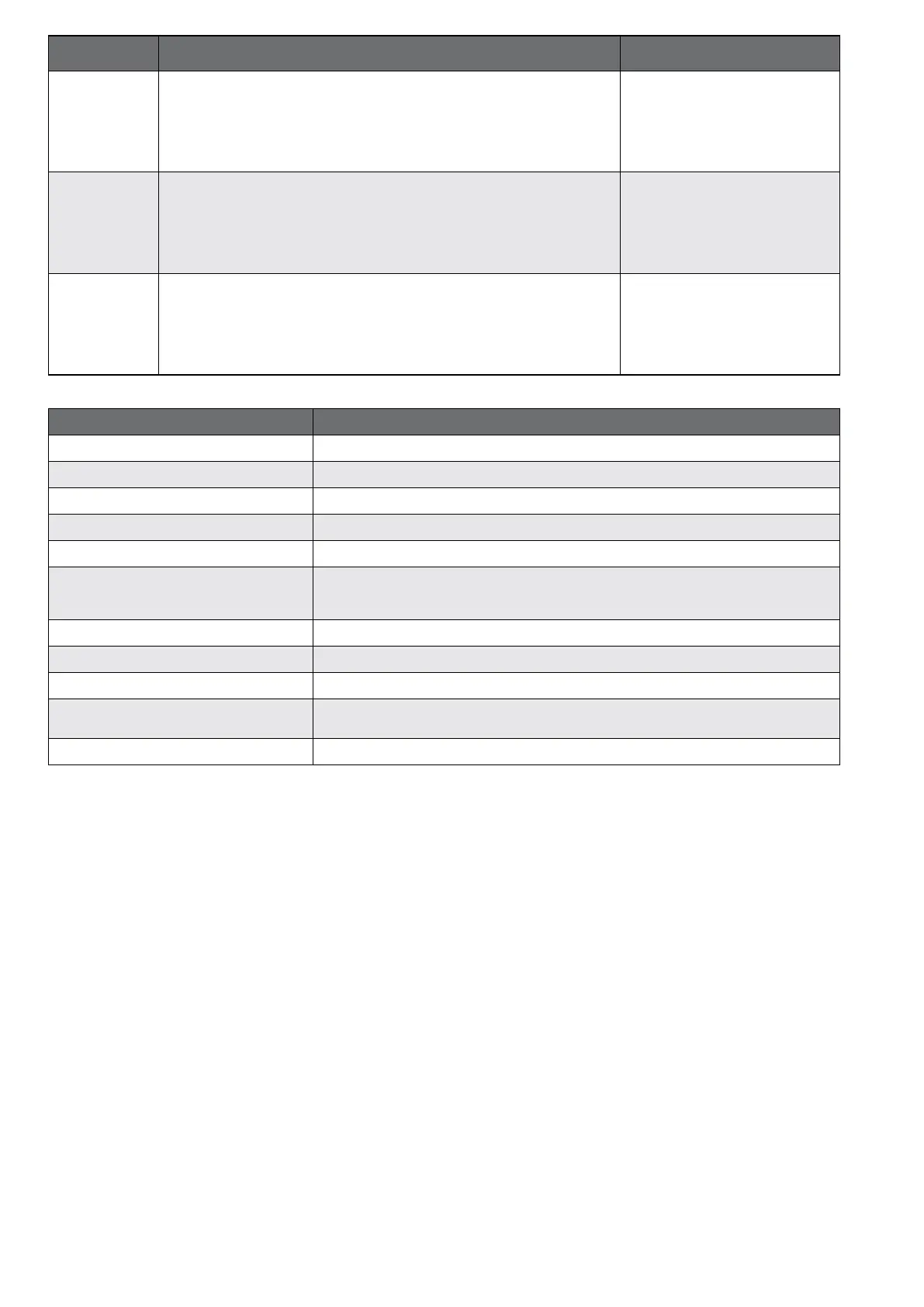
Description Signal status LED
Master + 2
Identication mode
In this mode, the coordinator will nd the Remote Control ONE when scanning for
devices. The ID mode stops after 180 seconds unless it is cancelled manually.
Die green LED ashes for 500 ms
every second.
Master + 5
Firmware update
The Remote Control ONE will request an update, as soon as a rmware update
for the BEGA Smart components becomes available in the network. It will then be
automatically transferred and installed.
The green LED lights continuously
for 2 seconds.
Master + 3
Transferring button assignments
If the button assignments were changed in the BEGA Smart app, these settings
will then have to be transferred to the Remote Control ONE using this keyboard
shortcut.
The red LED will ash rapidly.
LED ash patterns Description
Green ashes briey Command was sent successfully.
Green ashes slowly Device is in identication mode.
Green lights continuously for 15 seconds Button assignments transferred successfully.
Red lights continuously for 500 ms This button has no link assignment.
Red ashes 5 times for 250 ms Device restarting after reset.
Red ashes slowly
Device is in network connection mode.
In network connection mode, the device will attempt to establish a network connection up to
three times with a 10 second delay between attempts.
Red ashes rapidly Device is searching for changed settings in the BEGA Smart app.
Red ashes slowly Changed settings from BEGA Smart app not found.
Orange ashes slowly Device is in network connection mode.
Orange lights continuously for 2 seconds
Firmware update not initiated.
No new Firmware update available.
Orange ashes rapidly Updating button assignments: Updating.


 To Next Page
 Loading...