Installation
2.2 InstallationProcess
1.
Unpack and check the delivery. If damage is found, notify the supplier.
Note:
Placetheoperatorpanelo nastablesurfaced uringinstallation.
Droppingitorlettingitfallmaycausedamage.
2.
Usethecutoutdimensionsthatareincludedontheoutlinedrawingtocut
a correct opening in the cabinet. A separate cut out drawing is available for
download from the Beijer Electronics web site.
3.
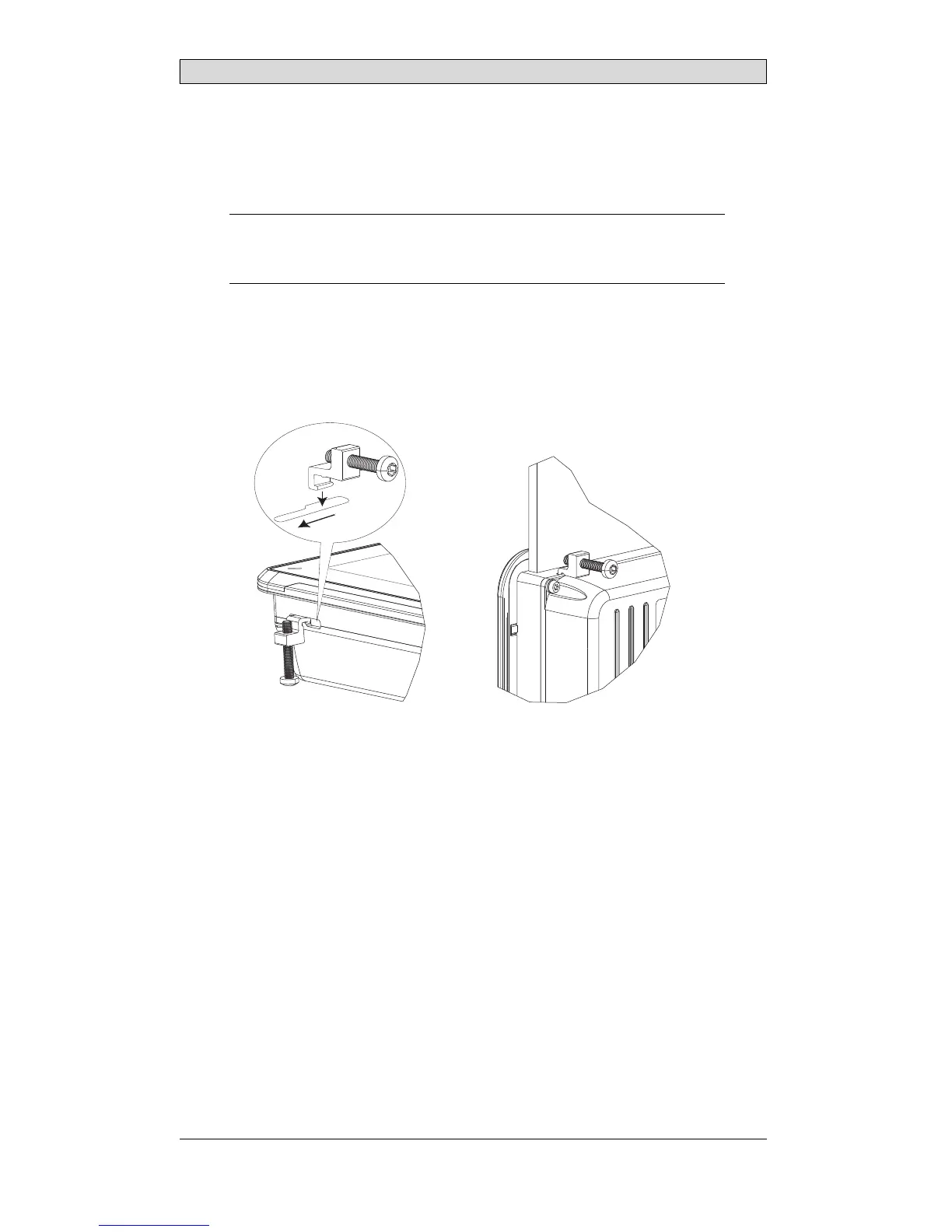
Secure the operator panel in position, using all t he fastening holes and the
provided brackets and screws:
x 4
0.5 - 1.0
Nm
BeijerElectronics, MAEN015A
7



 To Next Page