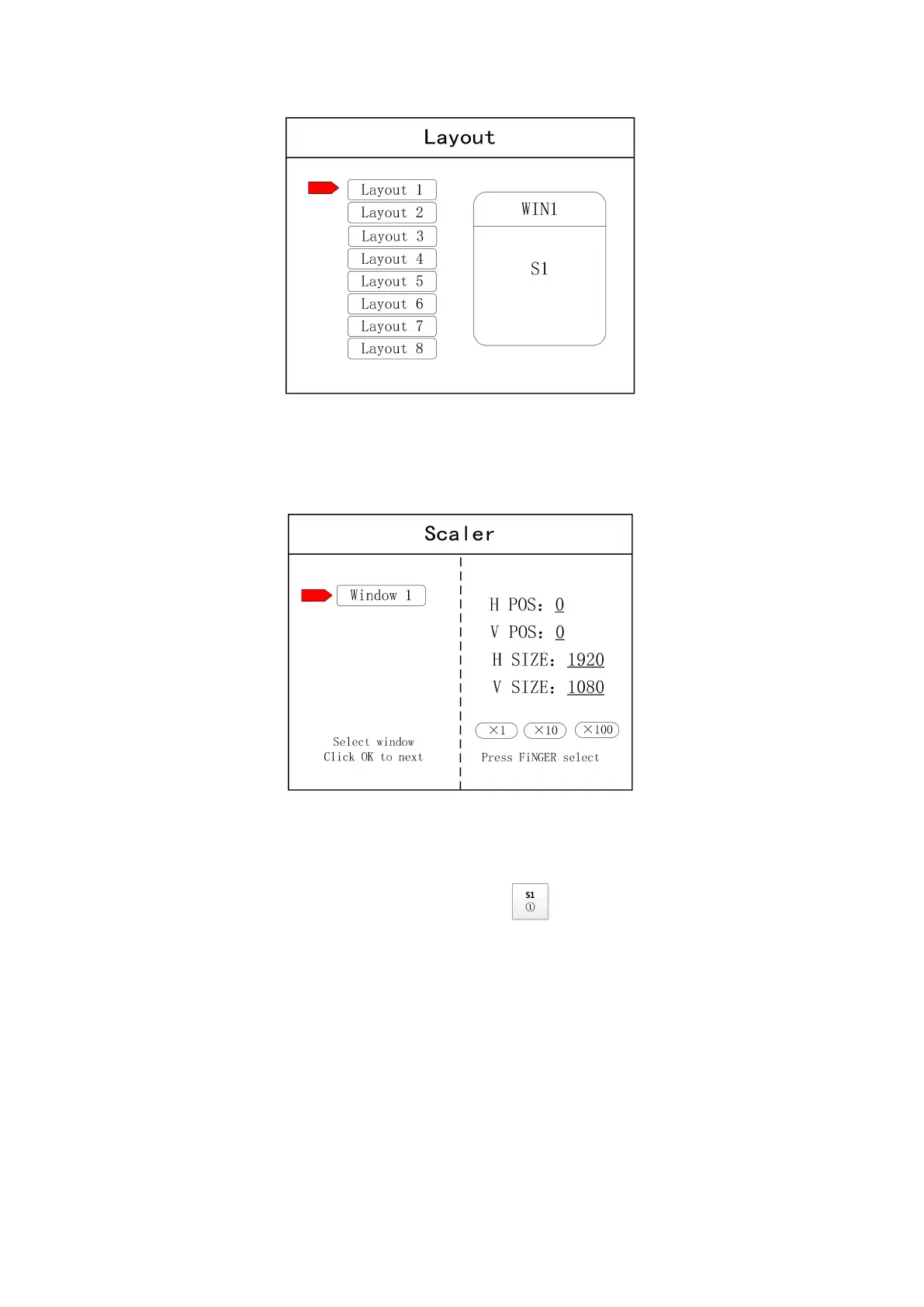
Note: This step can be skipped for signal image. For multi-image, it’s OK if image number and item
requirement are in consistent. Following operations can be taken to set when layout are not in consistent.
Step 3: Press “OK” and return to main menu interface; select “Image parameter” and enter into
its setting interface to set size and position of each image.
Note: there are two ways for number input:
(1) Adjust by rotate knob. Step length can be adjusted by “×1” “×10”“×100”, for instance, “×100”means that
number of rotate knob increases by 100 each time.
(2) Input by number of the front panel. For example, of the key refers to figure 1.
Step 4: Press “MENU” and return to main menu interface; select “Save setting” to enter into Data
storage interface; select any mode and click “OK” to save data.


 To Next Page