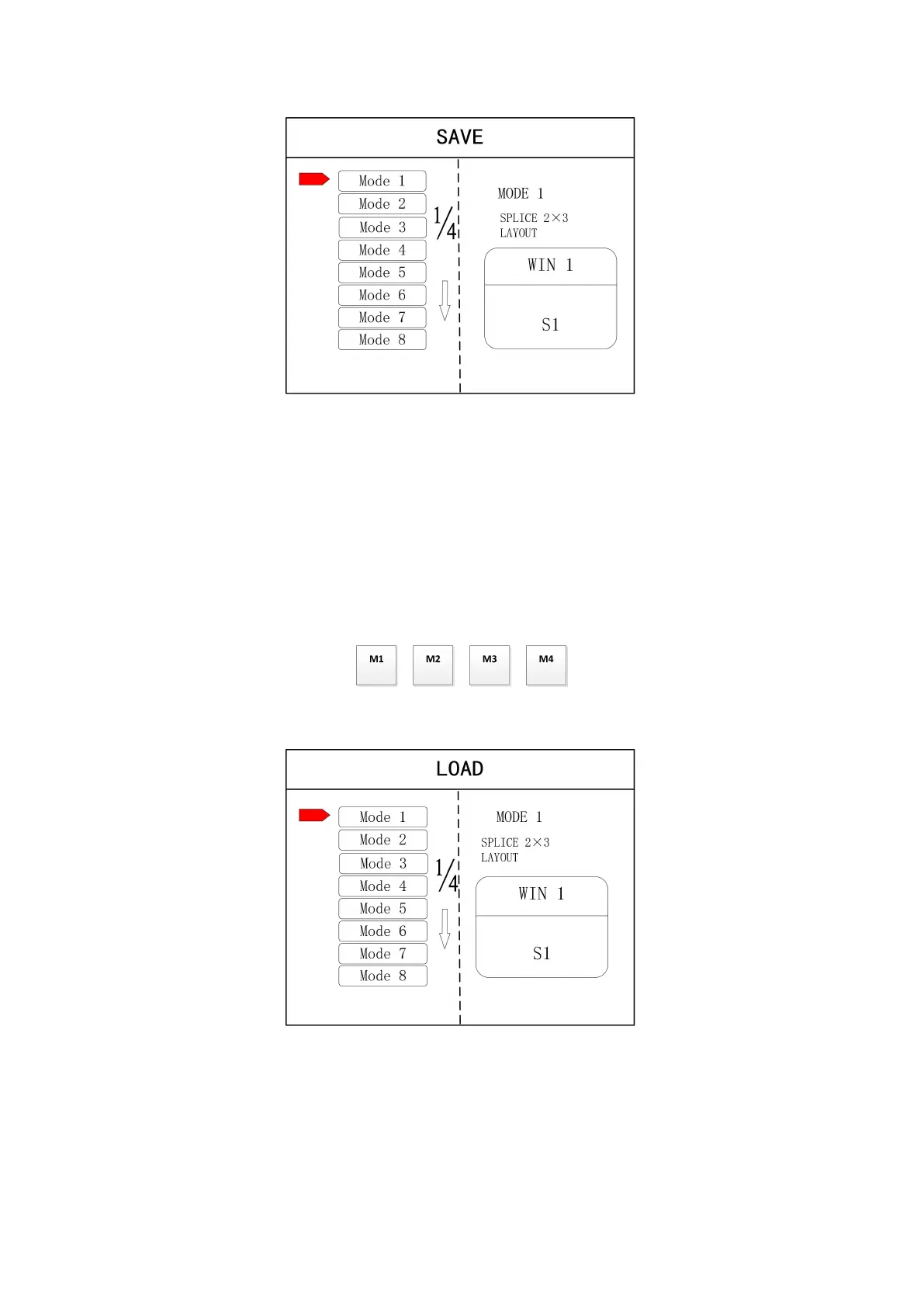
Note: Mode 1 is default startup data of device boot; it’s suggested that the most common mode or that
required by device boot should be saved to Mode 1.
At this point, basic device debugging is completed. If there is other requirement, repeat the
operation and save it as other mode.
After device debugging, just recall saved data according to different condition requirements in
later stage.
Data recall is divided into forms:
(1) For Shortcut key call, only select and press the “M1-M4” buttons on the front panel which
is convenient when mode scenario is few.
(2) For users to recall from the Main Menu, press
“
MENU
”
and select
“
User Mode
”
to enter
into its extraction interface. Then select needed mode and click “OK”.
4.3 Case Study
Device debugging steps are explained by following cases.
Case: There are 12 LCD screens arranged in 3 rows and 4 columns, as shown in the following figure:
Requirement: all LCD screens are spliced together as a whole one :


 To Next Page