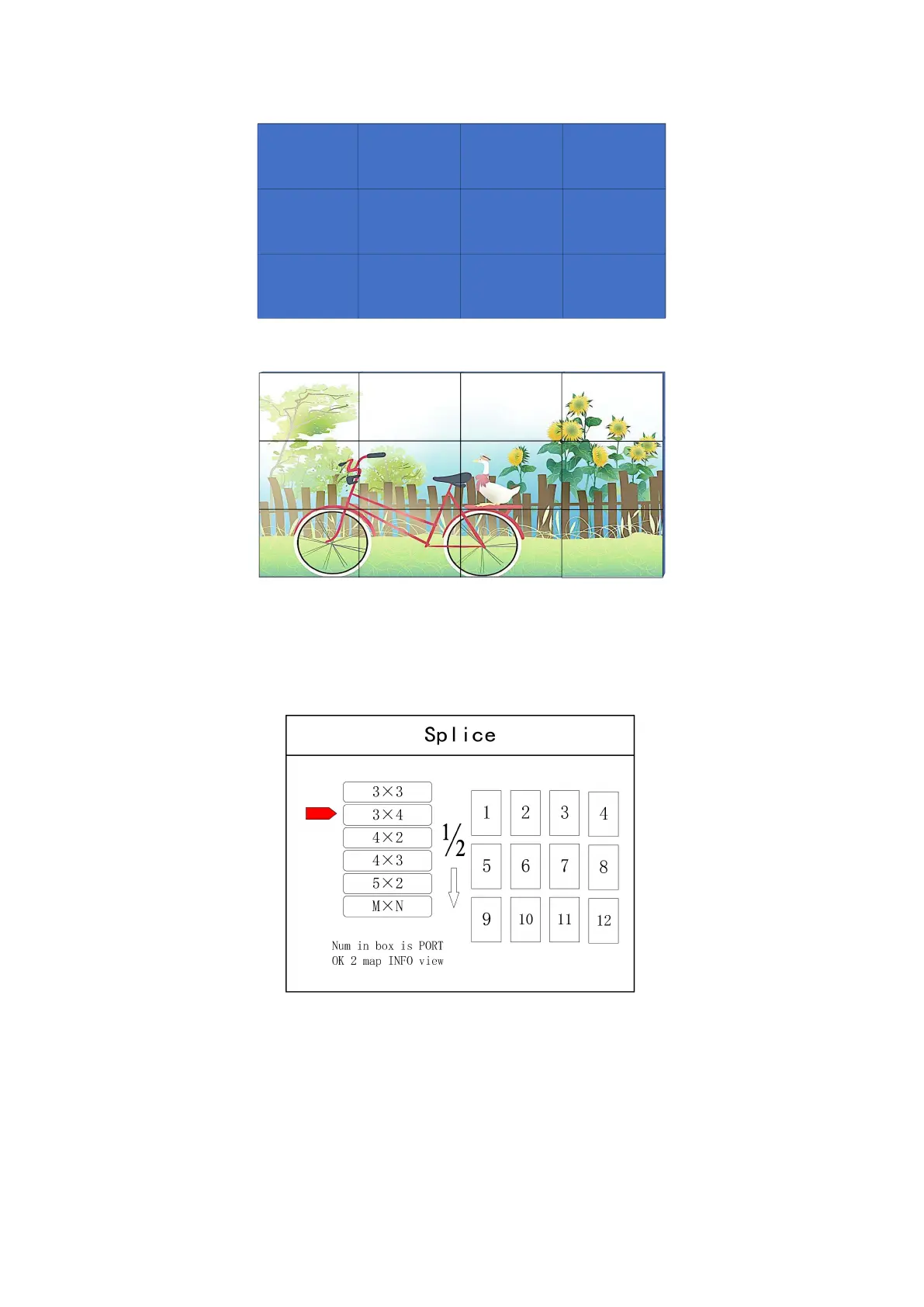
Arrangement of LCD screen
Display chart
Debugging Steps:
Step 1: Press “MENU” and enter into main menu interface to select “Cross Mosaic” of the first
item “Device mode”.
Step 2: Press “OK” to return to main menu interface; The large screen splicing is finished,
select signal source needed to display on screen and click corresponding key(s1-s8).
Step 3: After normal display of large screen, save all setting data. Press
“
Save setting
”
to enter
into “Save setting” interface to select “Mode 1” and click “OK”. Things will be fine when it
suggests saving successfully.


 To Next Page