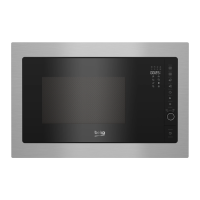
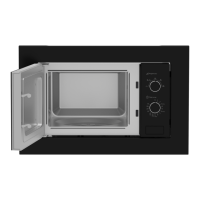
Microwave Oven / User Manual
16 / EN
4.2 Setting the time
When the microwave oven is energized, "0:00”
will be displayed in LED screen and buzzer will ring
once.
1. Press “ ” twice and the figures for hours will
start flashing.
2. Turn “ ” to adjust the hour; the input value
should be between 0 and 23.
3. Press “ ” and the figures for minutes will start
flashing.
4. Turn “ ” to adjust the minutes; the input value
should be between 0 and 59.
5. Press “ ” to finish time setting. ":" symbol will
flash, and the time will light.
C
If you press “ ” during time set-
ting, oven will automatically return
back to previous mode.
4.3 Cooking with microwave
oven
1. Press “ ” and “PL10” will be displayed in LED
screen.
2. Press “ ” again to select the desired power.
Each time you press the key, “PL10, PL8, PL5,
PL3 or PL1” will be displayed respectively.
3. Turn “ ” to set the cooking time to a value
between 0:05 and 95:00.
4. Press “ ” again to start cooking.
C
Example:
If you want to use 80%
microwave power to cook for 20
minutes, you can operate the oven
with the following steps.
5. Press “ ” once and “PL10” will be displayed in
the screen.
6. Press “ ” once again to set 80% microwave
power.
4 Operation
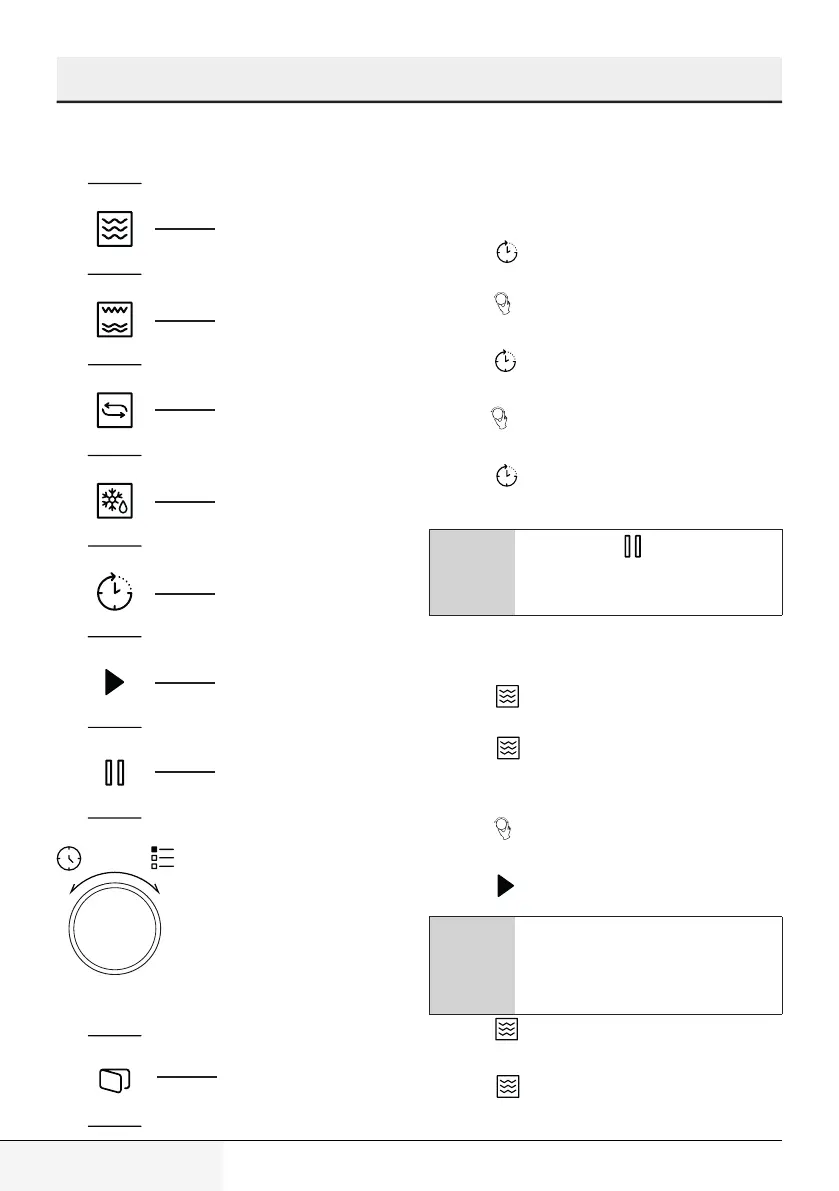
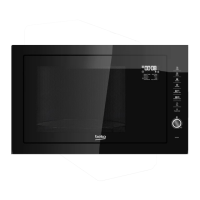
4.1 Control panel
Microwave
Grill/Combination
Convection
Defrost
Kitchen Timer/Clock
Start/+30 sec./Confirm
Stop/Cancel
Door Open Key


 To Next Page