11
To switch USB devices from computers, drag the USB icon of the desired device
to the Active Computer Port you wish to switch it to. When dragged, the software
will indicate the name of the device.
Switching USB Devices
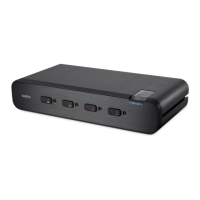
Select the 4x4 USB Peripheral Switch icon located on your desktop. To switch
USB devices, drag the USB device icon from the “General Basket” to the “Active
Computer Port”. (“Active” refers to a computer connected to the Switch and
powered on).
SWITCHING THROUGH SOFTWARE



 To Next Page
 Loading...