7
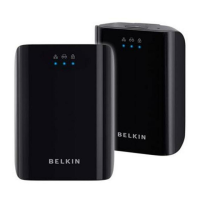
Powerline AV Networking Adapter
SECTIONSTable of Contents 1 2 43
CONFIGURATION
Adding Another Adapter to the Network
1. If the default network password has been changed, a new Adapter
will have to load the new password before it can join the network.
2. Press the “Encryption” button on an encrypted unit for more than
one second, but less than three seconds.
3. Within two minutes, press the “Encryption” button on the new unit
for more than one second, but less than three seconds.
4. The new device has now been loaded with the network password
and added to the current powerline network.
Resetting to Factory Defaults
Using a pointed object, press and hold the “Reset” button for one
second to restore defaults. This procedure resets the network password
to the default out-of-box value.
Technical Support
You can find technical support information at www.belkin.com/support
or www.belkin.com.



 To Next Page