Technical Support
Belkin International, Inc., Limited 2-Year Product Warranty
Regulatory Information
FCC Statement
Getting Started
What’s in the Box
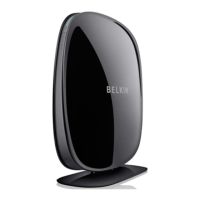
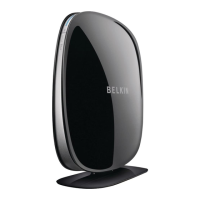
N600 DB Wireless N+ Router
Ethernetcable(attachedtorouter)
Powersupply(attachedtorouter)
Networkinformationcard(attachedtorouter)
BelkinSetupCDwithUserManual
Quick Setup Guide
Initial Setup
WheretoPlaceYourRouter
Forthebestresults,placetheRouternexttoyourmodeminan
openlocationawayfromlargemetalobjectsandmagnetssuchas
thosefoundinspeakers.RaisingtheRouterabovefloorlevelcan
improvethestrengthofyourwirelesssignal.
HowtoSetItUp
Connect Your N600 DB Router
1. Turn off your modem by
disconnecting its power supply.
2. Connect your Router to your
modem using the cable (already attached).


 To Next Page