(1)
(2)
(3)
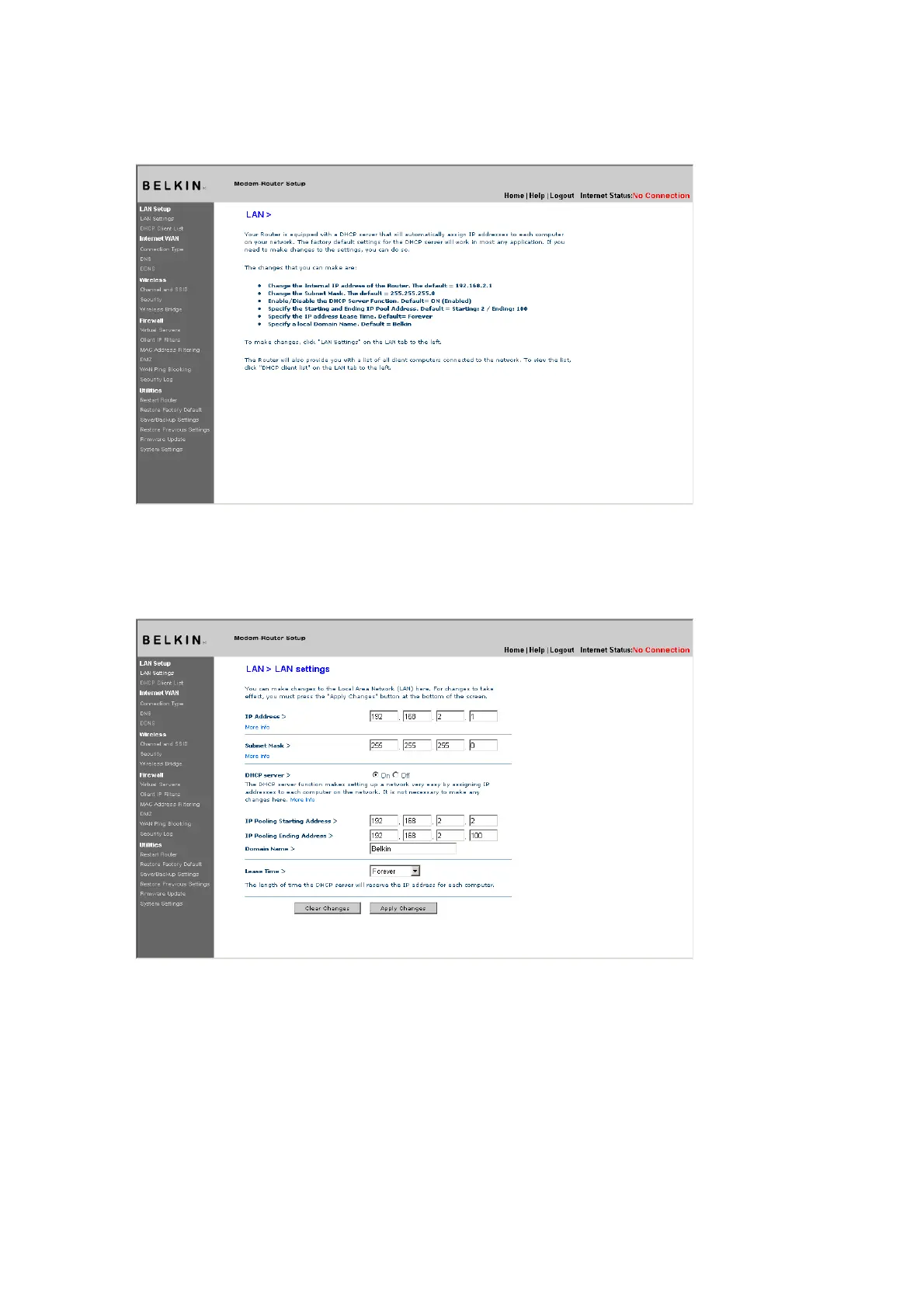
LAN Settings
[insert 9630_LAN_Settings.tif]
(1)
(2)
(3)
(4)
(5)
(6)
1. IP Address
The “IP address” is the internal IP address of the Router.
The default IP address is “192.168.2.1”. To access the setup
interface, type this IP address into the address bar of your
browser. This address can be changed if needed. To change
the IP address, type in the new IP address and click “Apply











 To Next Page