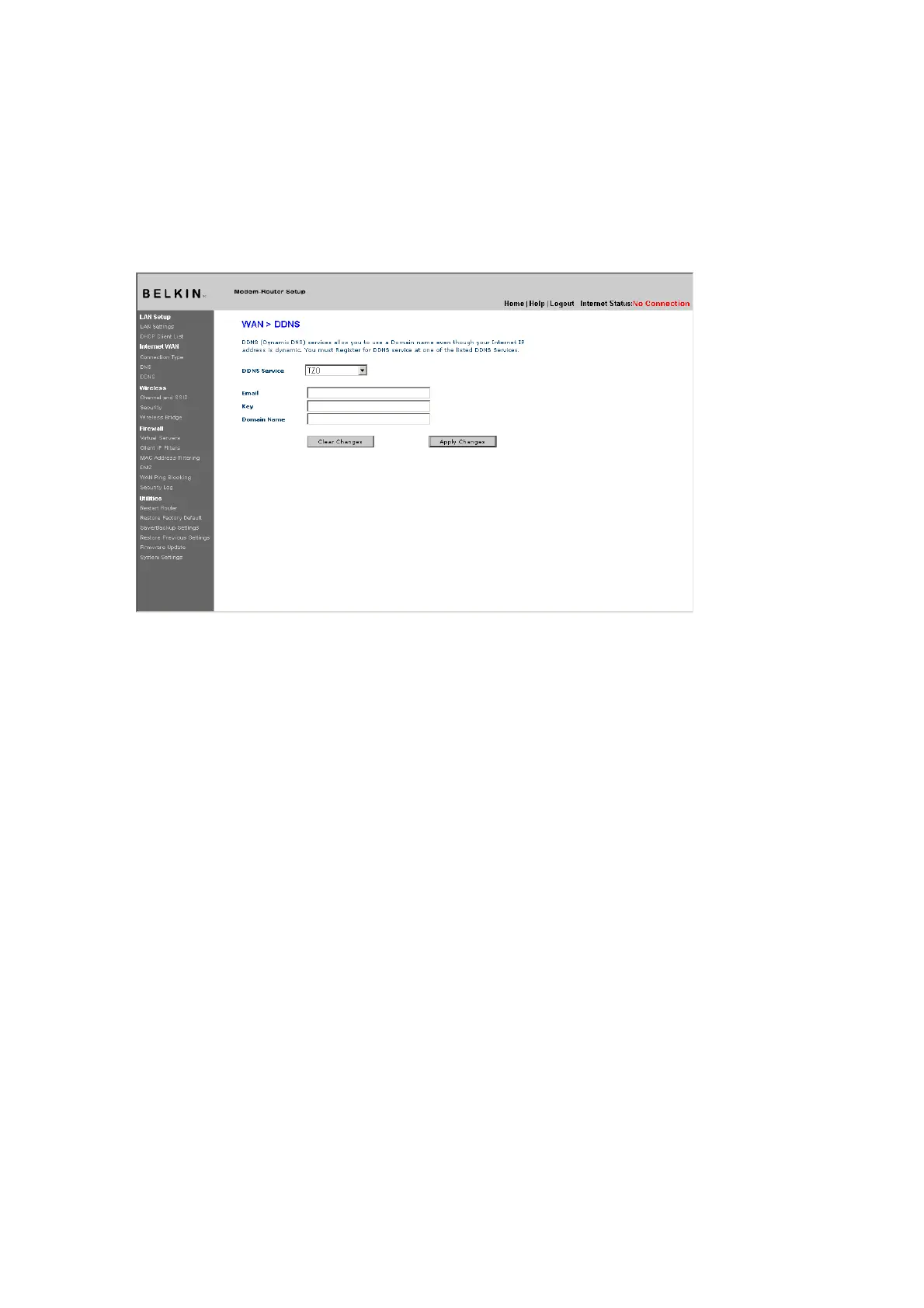
Whenever your IP address assigned by your ISP changes, the Router will automatically update
DynDNS.org’s servers with your new IP address. You can also do this manually by clicking the
“Apply Changes” button (4).
[insert 9630_DDNS_DynDNS.tif]
(1)
(2)
(3)
(4)
Wireless
The “Wireless” tab lets you make changes to the wireless network settings. From
this tab, you can make changes to the wireless network name (SSID), operating
channel, and encryption security settings.
Channel and SSID
[insert 9630_Channel_SSID.tif]











 To Next Page