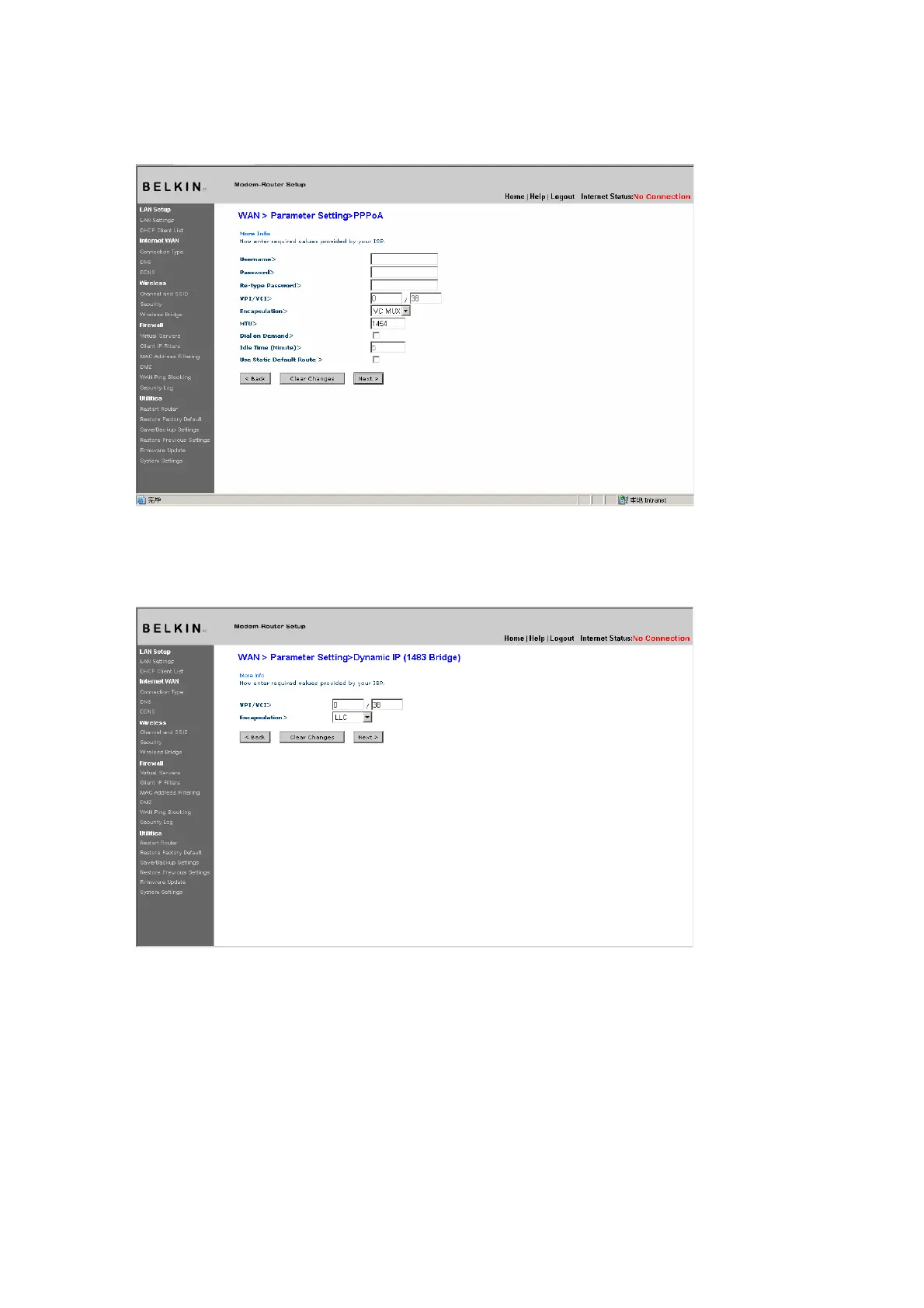
Setting your Connection Type to Dynamic IP (1483 Bridged)
This connection method bridges your network and ISP’s network
together. The Router will obtain an IP address automatically from your
ISP’s DHCP server.
[insert 9630_Dynamic_IP.tif]
(1)
(2)
1. VPI/VCI - Enter your Virtual Path Identifier (VPI) and Virtual Circuit
Identifier (VCI) parameter here. These identifiers are assigned by your ISP.
2. Encapsulation - Select LLC or VC MUX your ISP uses.
Setting your ISP Connection to Static IP (IPoA)
This connection type is also called “Classical IP over ATM” or “CLIP”,
which your ISP provides a fixed IP for your Router to connect to
the Internet.











 To Next Page