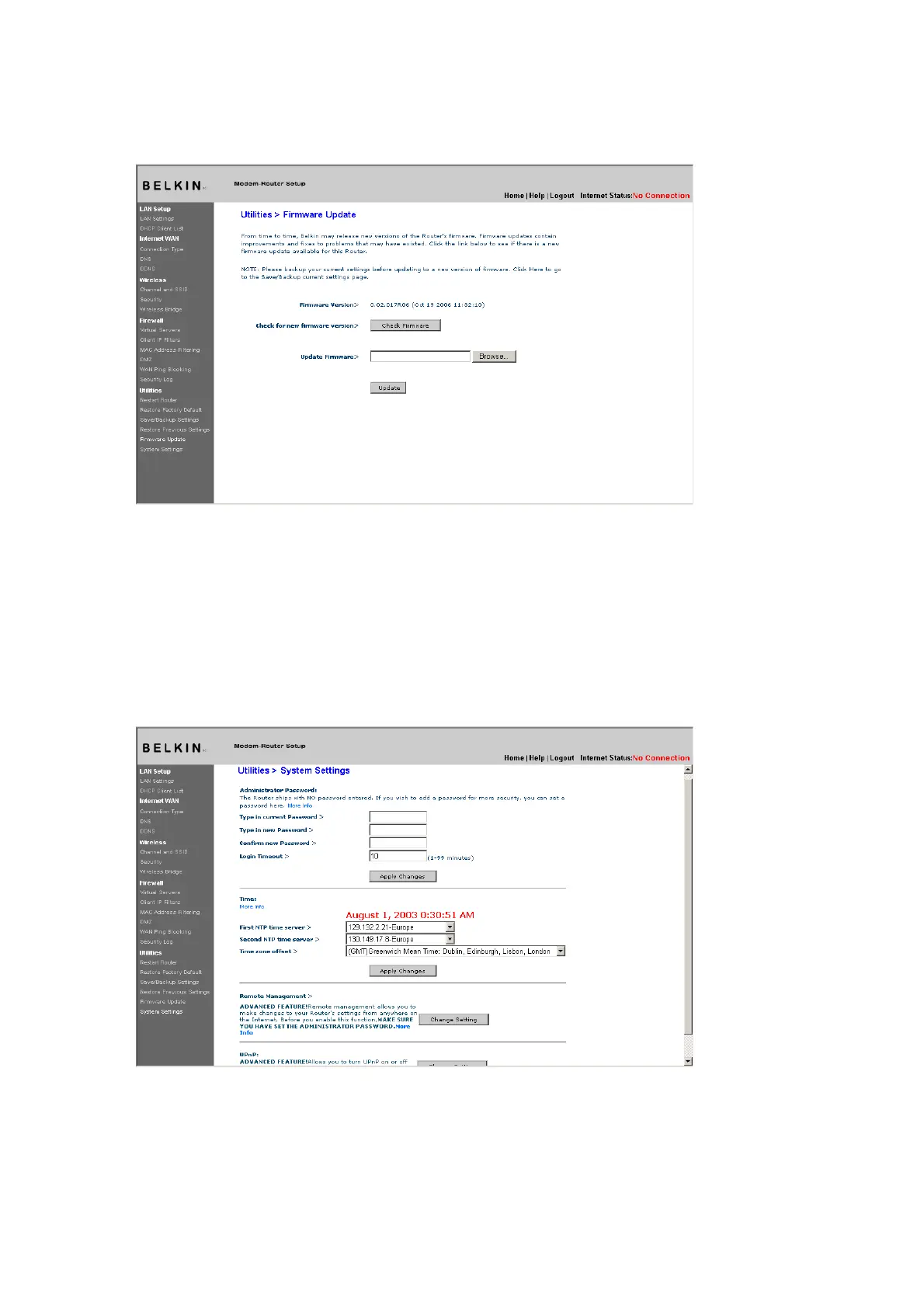
Updating the Router’s Firmware
1.
In the “Firmware Update” page, click “Browse”. A window will
open that allows you to select the location of the firmware
update file.
[use existing screenshot]
2.
Browse to the firmware file you downloaded. Select the file by
double-clicking on the file name.
3. Click “Update” to upgrade to the latest firmware version.
System Settings
The “System Settings” page is where you can enter a new
administrator password, set the time zone, enable remote
management, and turn on and off the UPnP function of the Router.
Setting or Changing the Administrator Password
The Router ships with NO password entered. If you wish to add a
password for greater security, you can set a password here. Write
down your password and keep it in a safe place, as you will need it if











 To Next Page