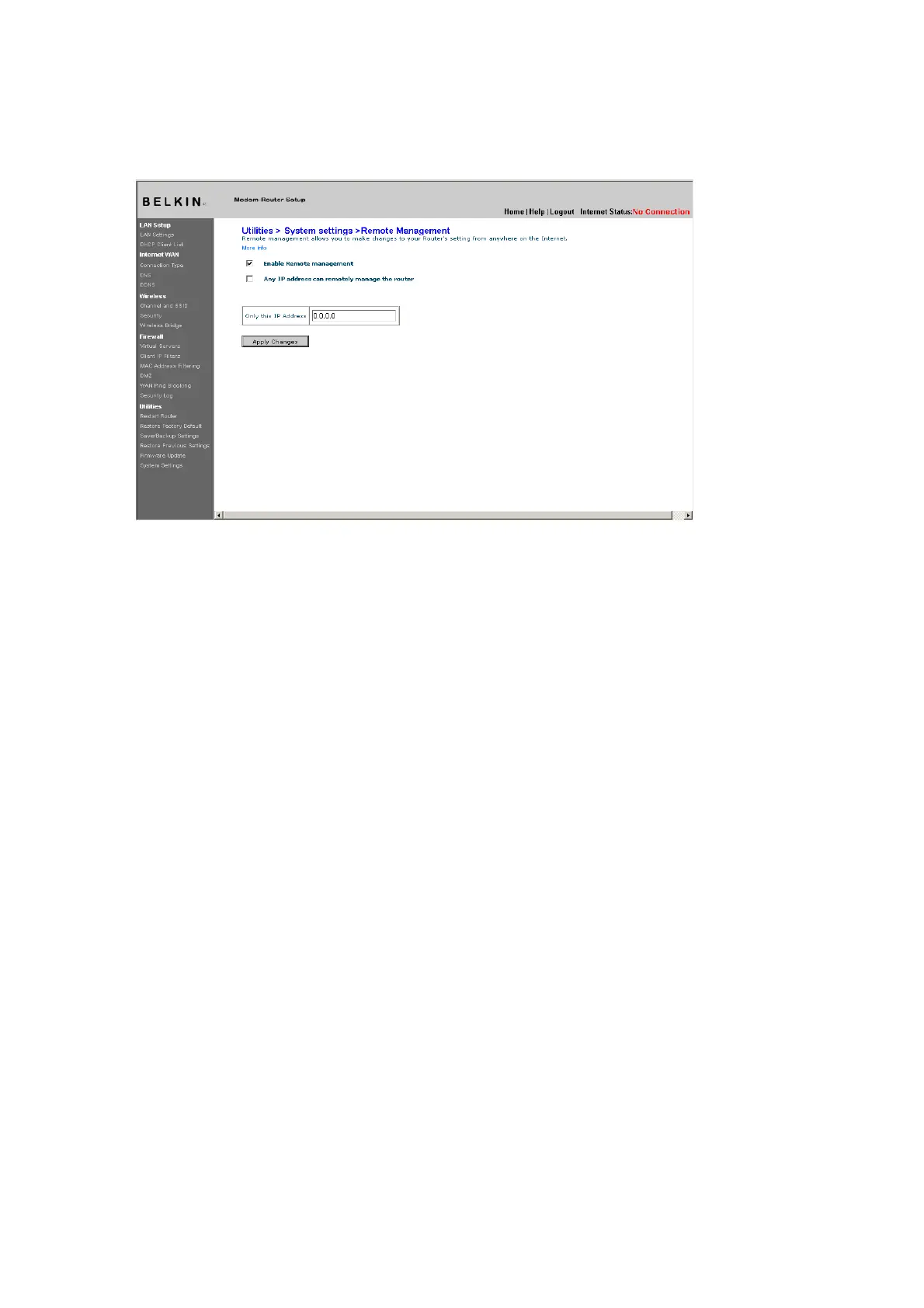
[use existing screenshot]
Click on the “Apply Changes” button to save your settings.
Enabling/Disabling UPnP
UPnP (Universal Plug-and-Play) is yet another advanced feature
offered by your Belkin Router. It is a technology that offers seamless
operation of voice messaging, video messaging, games, and other
applications that are UPnP-compliant. Some applications require
the Router’s firewall to be configured in a specific way to operate
properly. This usually requires opening TCP and UDP ports, and in
some instances, setting trigger ports. An application that is UPnPcompliant
has the ability to communicate with the Router, basically
“telling” the Router which way it needs the firewall configured. The
Router ships with the UPnP feature disabled. If you are using any
applications that are UPnP-compliant, and wish to take advantage of
the UPnP features, you can enable the UPnP feature.
Click on the “Change Setting” button to bring up the “UPnP Setting”
page. Then select “On” for “Enable UPnP”. Click on the “Apply
Changes” button to save your settings.











 To Next Page