27460_8820-00775_F9K1003_N450_Wireless_N_Router_041811-ok
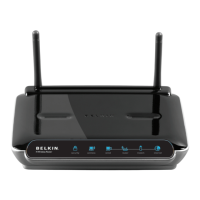
B)Wi‐FiProtectedSetup(WPS)LightandButton
TheWPSbuttononthefrontofyourRoutercanbeusedtohelp
establishasecureconnectionbetweenyourRouterandotherWPS
enabledWiFidevicessuchascomputers.TousetheWPSfeature
onyourRouter,see“GettingStarted>AddingComputerstoYour
Network>UsingtheWP
SButton”.
ThesmalllightneartheWPSbuttonshowswhatishappening
whileyouareusingWPStoestablishaconnection.
Off:Idle
BlinkingBlue:TheRouterislisteningforaWPSenabledcomputeror
otherdevice.
SolidBlue:TheRouterhasmadeasecureconnectionwiththecomputeror
otherdevice.
Amber:Aconnectionwasnotcreated.



 To Next Page