Confidential property of Belkin Corporation. Unlawful to copy or reproduce in any manner without the express written consent of Belkin Corporation.
3 of 12
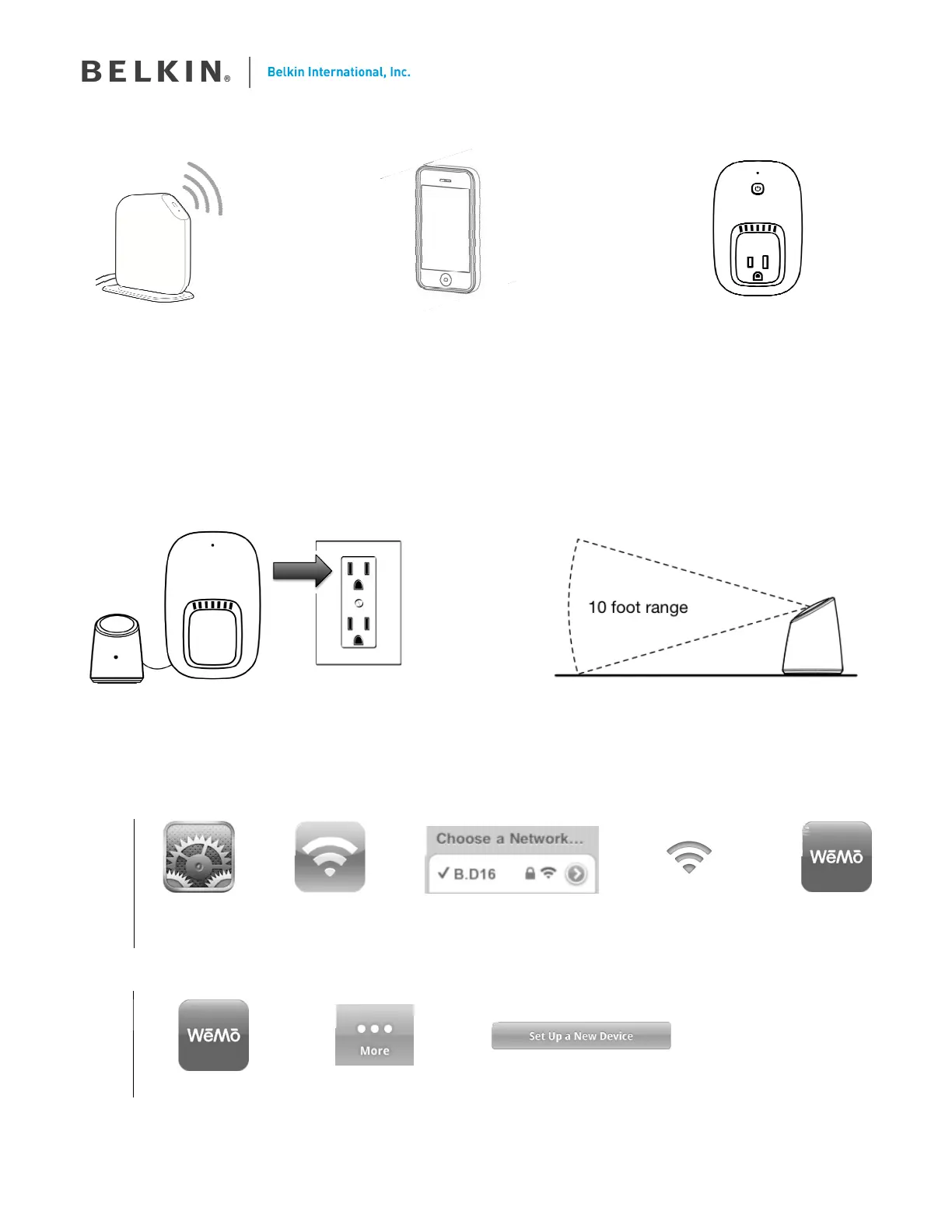
What you’ll need to get started.
+
Wireless Router with;
- your Wi-Fi network
name
- your Wi-Fi network
password
Apple iPhone
(running iOS 4.1 or higher)
or
Android Smartphone
(running Android v2.3 or higher)
WeMo Home Control
Outlet
The Motion Sensor requires a
Home Control Outlet to function
1
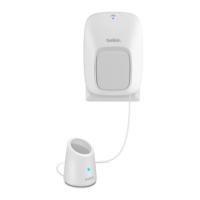
Plug your Sensor Module into an AC wall outlet, then position the Motion Sensor
If you have purchased multiple new WeMo devices, just plug in and setup one at a time for simplicity.
The Motion Sensor can detect moving objects within a 10 foot range.
2
Connect your Motion Sensor to your Wi-Fi network
iPhone
Open Settings Select Wi-Fi Connect to the network
name that starts with “B.__”
Wait ~5 seconds for
Wi-Fi icon to appear
in Status bar
Open WeMo
Android
Open WeMo Select More Press ‘Set Up a New Device’
A
B
C
D
E
Update with
new router
image
A
B
C


 To Next Page