Confidential property of Belkin Corporation. Unlawful to copy or reproduce in any manner without the express written consent of Belkin Corporation.
5 of 12
Getting to Know your Motion Sensor
Hardware
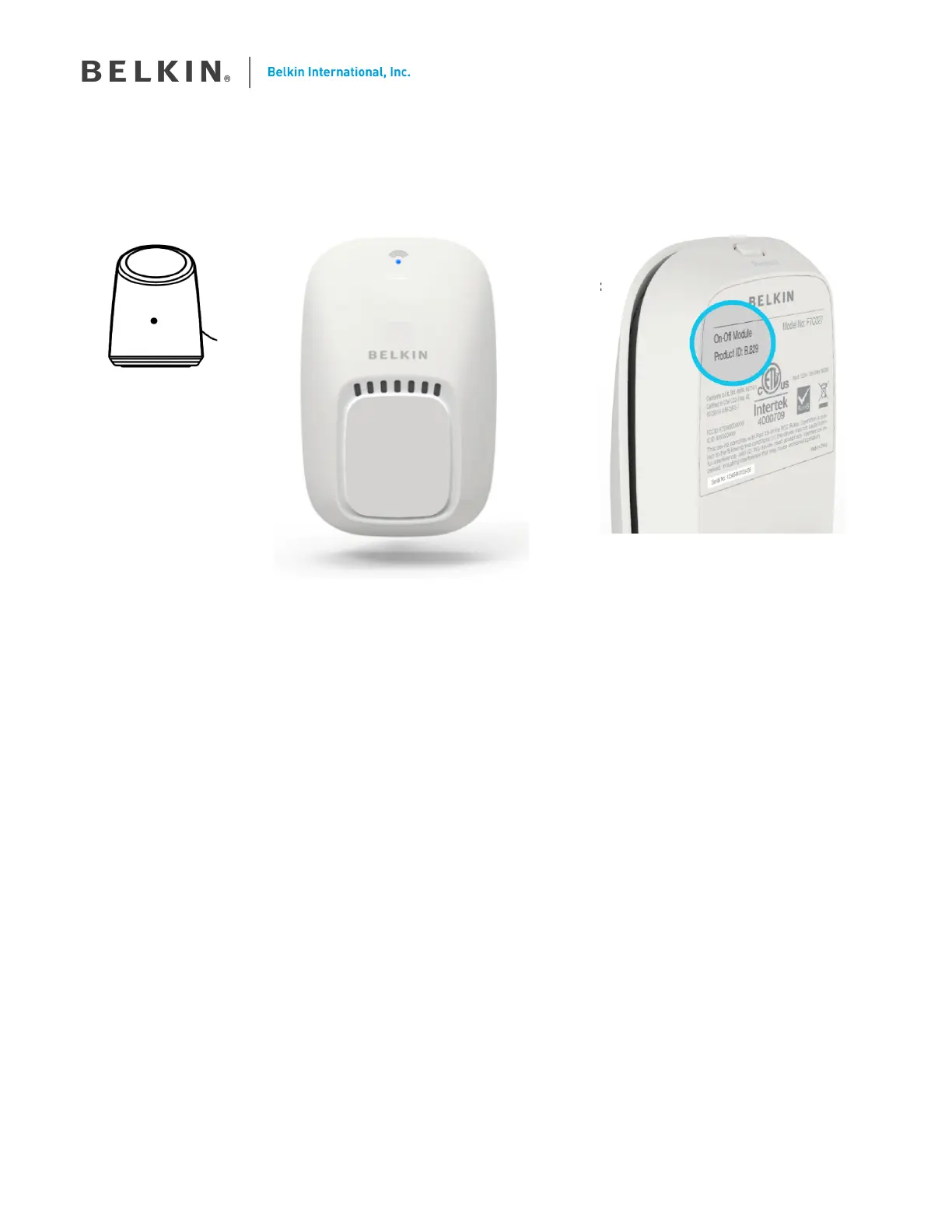
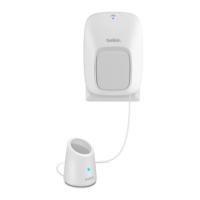
Motion Sensor Sensor Module : Front Sensor Module : Back
A) Motion Sensor Lens
B) Motion Sensor Indicator
If your Motion Sensor detects motion, a blue LED will illuminate here for at least 1 second
C ) Status Indicator
Your WeMo device Wi-Fi status is shown by the indicator as follows;
• Flashing Blue & Amber LED : First setup - Awaiting instructions
• Solid Blue : Everything is OK
• Off : Normal (good)
• Solid Amber : Poor Connection
• Flashing Amber : No Connection
• Flashing Blue : Staring up, please wait.
D) Restore Button
This button is used to restore your WeMo Device to factory defaults. Only do this if you are sure you want to
erase all your settings. See ‘How do I restore my WeMo Device in the FAQs.
E) WeMo ID
The WeMo ID is a “B.” followed by three numbers or letters.
D
E
Update with
latest image
Make into
line drawing
Update with
latest image
Make into
line drawing


 To Next Page