Using the Web-Based Advanced User Interface
59
section
2
1
3
4
5
6
7
8
9
10
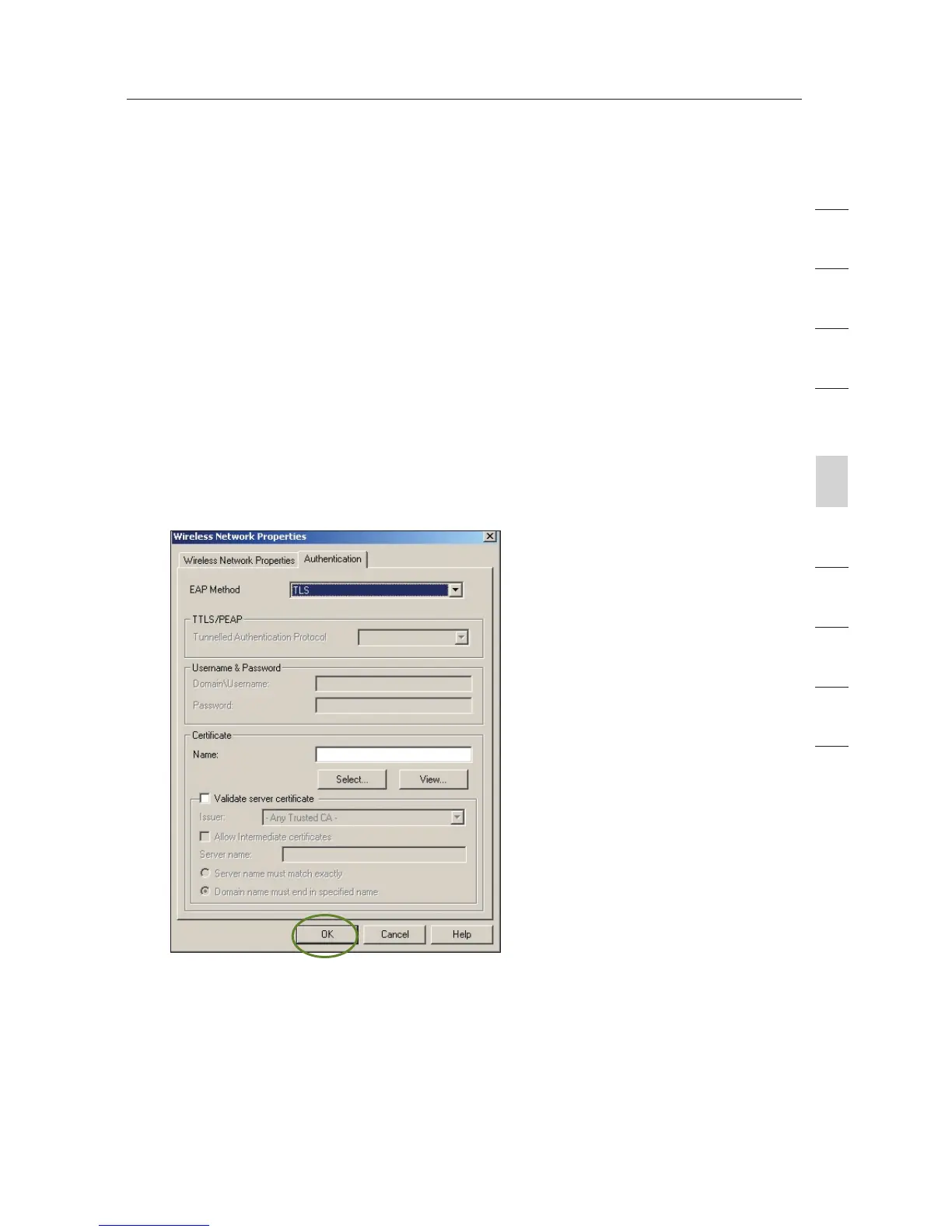
Connecting your computer to a wireless network that requires
WPA (with radius server):
1.
Double-click the “Signal Indicator” icon to bring up the “Wireless
Network Properties” screen. The “Advanced” button will allow
you to view and configure more of your Router’s options.
2. Under the “Wireless Network Properties” tab, select a network
name from the “Available Networks” list and click “Configure”.
3. Under “Network Authentication”, select WPA.
4. Under the “Authentication” tab, select the settings that are
indicated by your network administrator.
5. Click “OK” to save the settings.









 To Next Page