Using the Web-Based Advanced User Interface
77
section
2
1
3
4
5
6
7
8
9
10
Downloading a New Version of Firmware
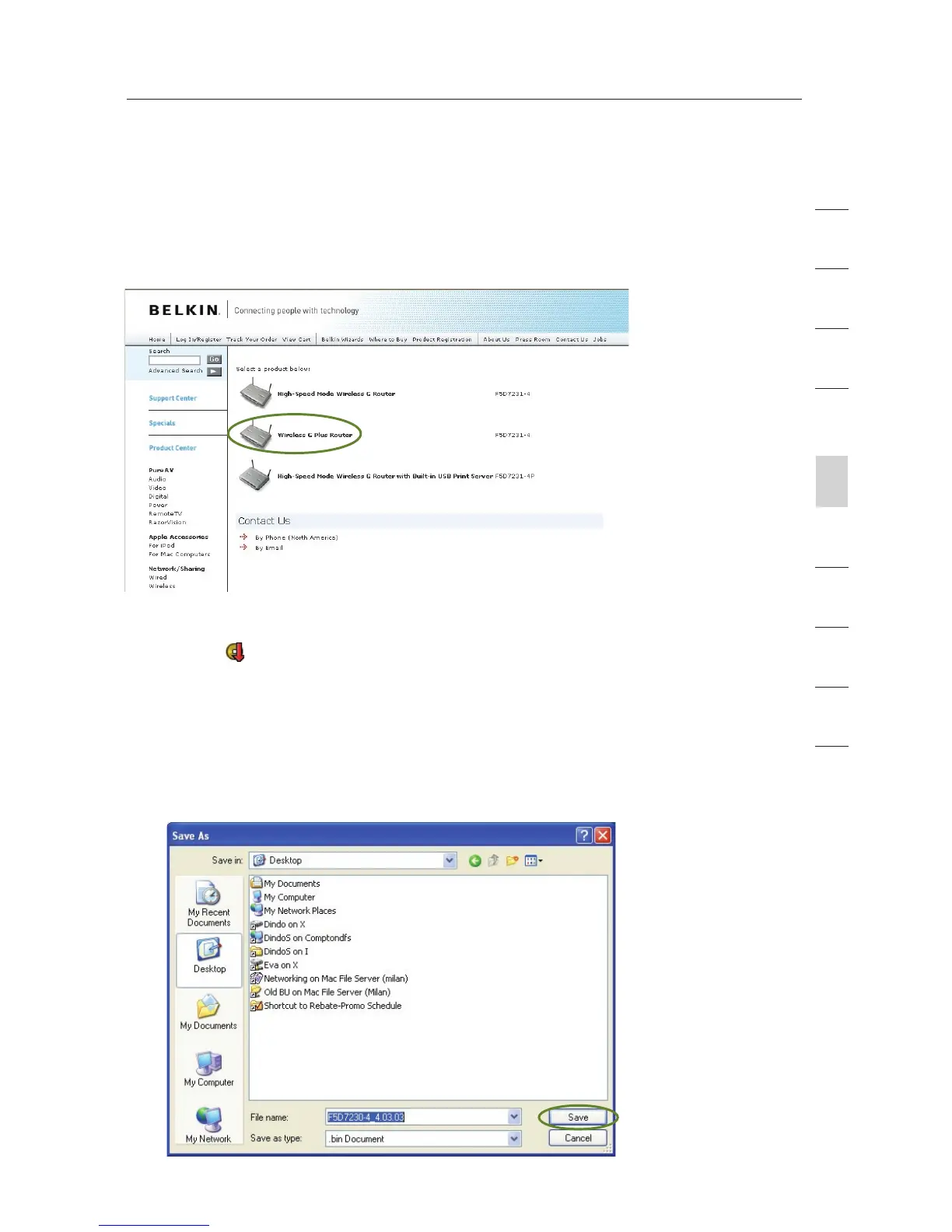
You will now be taken to the download page of “F5D7231-4 Firmware
update - North America”.
1. To download the new version of firmware, click the download
logo (
).
2. A window will open that allows you to select the location where
you want to save the firmware file. Select a location. You can
name the file anything you want, or use the default name. Be sure
to save the file in a place where you can locate it yourself later.
Note: We suggest saving this to your desktop to make it easy to
locate the file. When you have selected the location, click “Save”.









 To Next Page