Updating the Router’s Firmware
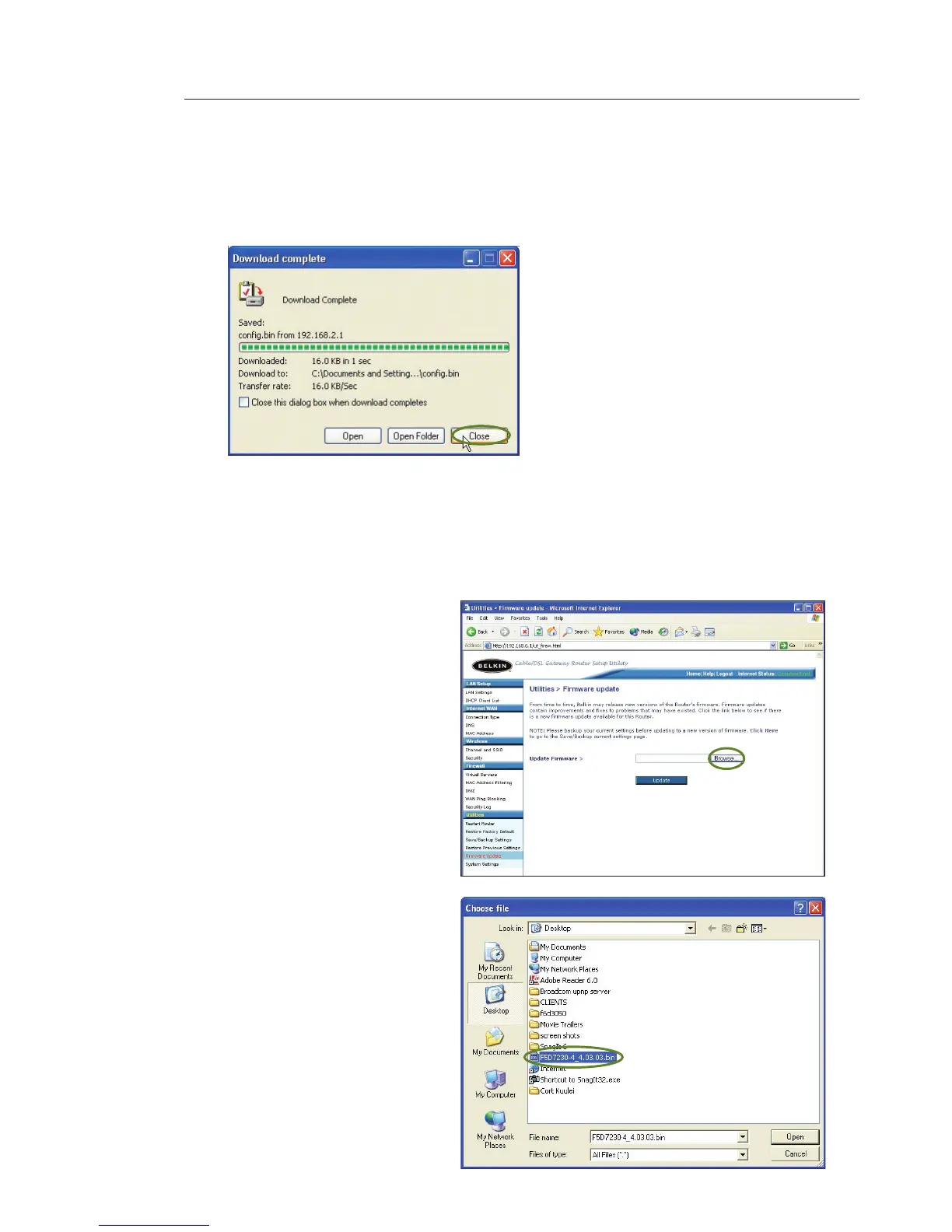
1. In the “Firmware
Update” page, click
“Browse”. A window
will open that allows
you to select the
location of the firmware
update file.
2. Browse to the firmware
file you downloaded.
Select the file by
double-clicking on the
file name.
3. When the save is complete, you will see the following window.
Click “Close”.
The download of the firmware is complete. To update the firmware,
follow the next steps in “Updating the Router’s Firmware”.









 To Next Page