Set up the computer that is connected to the cable or DSL modem
FIRST using these steps. You can also use these steps to add
computers to your Router after the Router has been set up to connect
to the Internet.
Manually Configuring Network Adapters in Mac OS X
1.
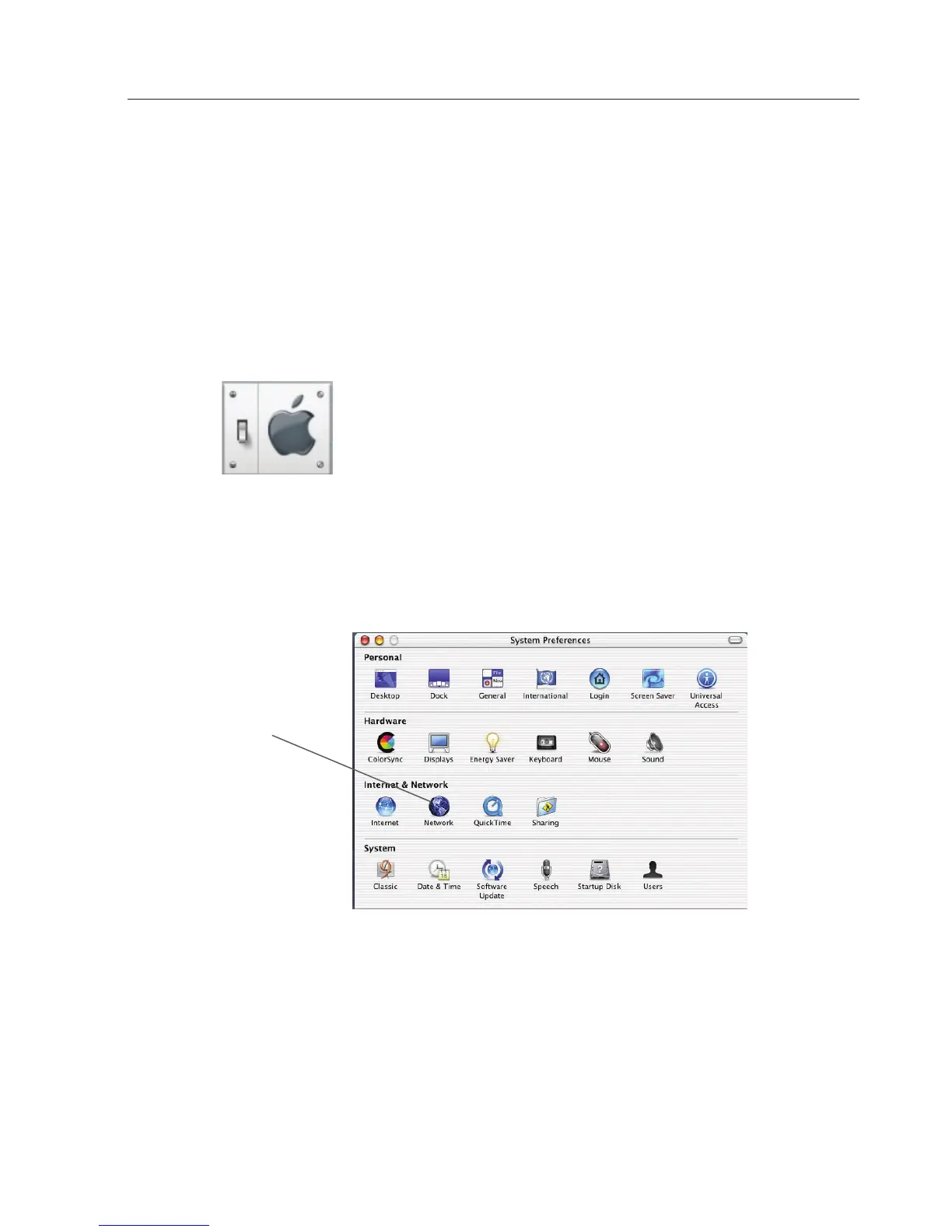
Click on the “System Preferences” icon.
2. Select “Network” (1) from the “System Preferences” menu.
(1)









 To Next Page