6
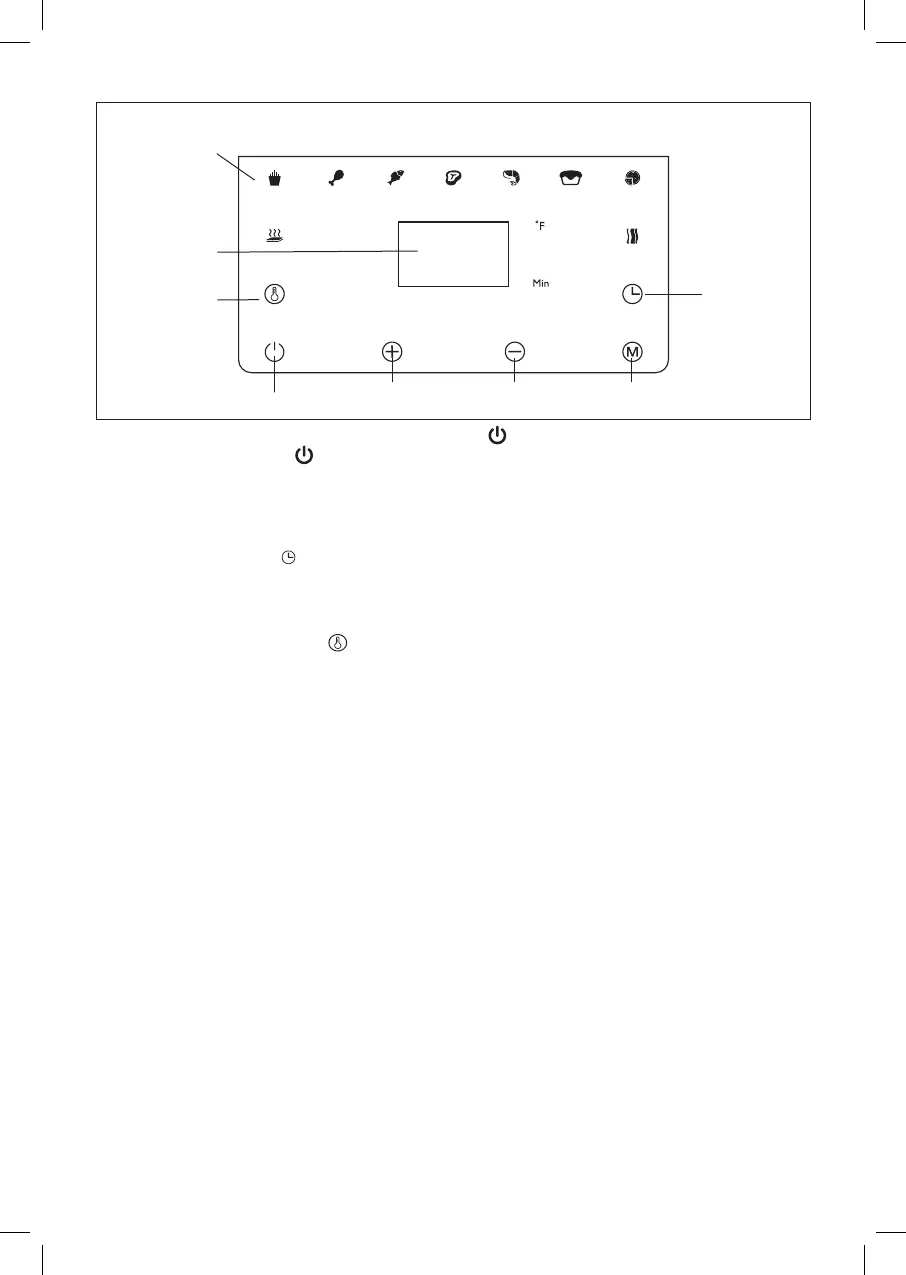
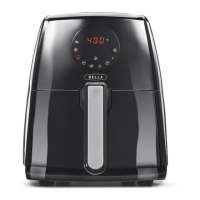
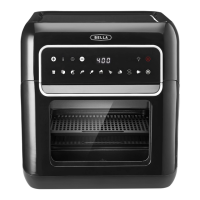
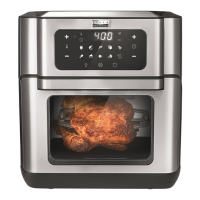
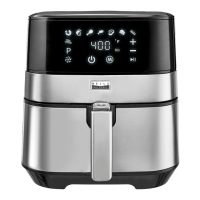
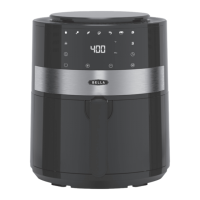
Control Panel Details
400
9 preset option
Digital Display
Start/Pause Button
Temperature
Control Button
Time
Control
Button
Menu
Adjustable Time and
Temperature buttons
1. Plug cord in the wall outlet, the white START/PAUSE ( ) button will start ashing.
2. Press the START/PAUSE ( ) button. The control panel will illuminate.
3. Press the MENU (M) button and select the desired preset option.
4. Once the selected preset option illuminates, the Air Fryer starts operating after 3 seconds
automatically
Timer Control Buttons
Selecting the timer control ( ), add or decrease cooking time using the
+
and
–
symbols.
This enables you to add or decrease cooking time, one minute at a time. Keeping the button held down
will rapidly change the time.
Temperature Control Buttons
Selecting the temperature control ( ), add or decrease temperature using the
+
and
–
symbols. This
enables you to add or decrease cooking temperature 5°F at a time. Keeping the button held down will
rapidly change the temperature. Temperature control range: 150°F – 400°F.
MENU (M) Presets Button
Selecting the MENU (M) presets button enables you to scroll through the 9 preset menu options.
Once selected, the predetermined time and cooking temperature function begins.
NOTE: You can override the MENU presets by increasing or decreasing TIME and TEMP manually.
MENU Preset Choices
9 presets to choose from: Keep Warm, French Fries, Chicken, Fish, Steak, Shrimps, Bake, Pizza and Bacon.
Digital Display
This display will keep track of the temperature and remaining cook time.
Adjustable Control (Temperature and Timer)
The
+
and
–
symbols enable you to add or decrease cooking temperature and time.
17242_BELLA_Air Fryer 4.6QT_IM_r7.indd 617242_BELLA_Air Fryer 4.6QT_IM_r7.indd 6 8/6/20 1:31 PM8/6/20 1:31 PM


 To Next Page