8
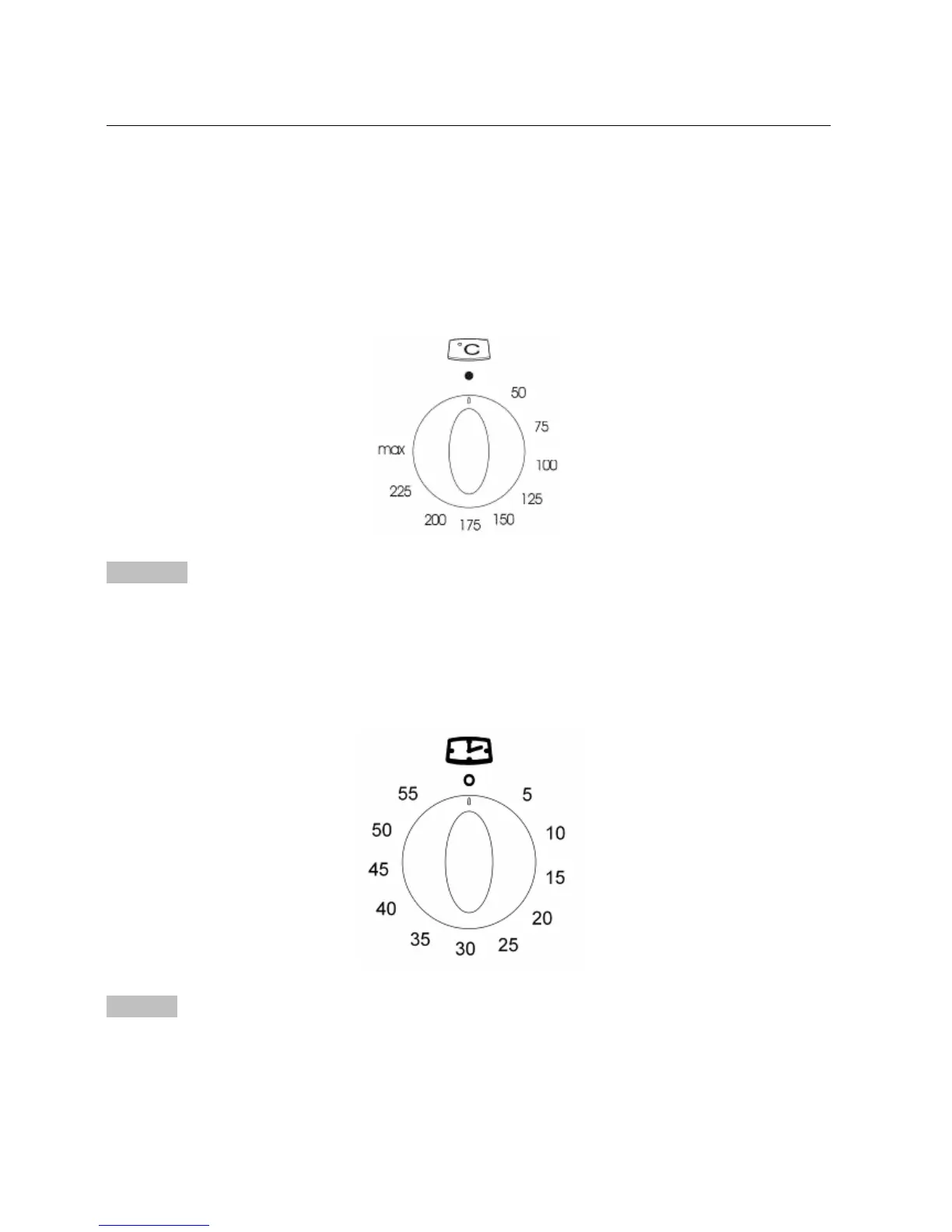
Select The Temperature
To set the temperature, turn the temperature selector in a clockwise direction to the desired setting. An
indicator light above the temperature selector will come on.
A thermostat controls the temperature in your appliance. When the temperature is reached, the heating
source switches itself off and the indicator light goes out. When the oven temperature falls below the desired
setting, the heating source switches on and the indicator light comes on again.
Once the food is cooked, turn the temperature selector back in an anti-clockwise direction. Do not force it
right round in a clockwise direction as this will result in damage to the thermostat.
Important
The desired cooking function must be selected before the oven will operate.
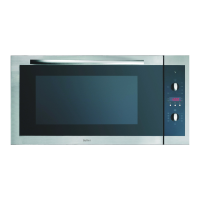
Minute Minder
Turn the knob clockwise to set the desired duration. The minute minder can be adjusted from 1 to 60 minutes. A
sound signal will inform you that the chosen time is up.
Caution!
When chosen time is up, a sound alert will be given but oven will keep heating until you turn oven off.



 To Next Page