P/N: 501012500
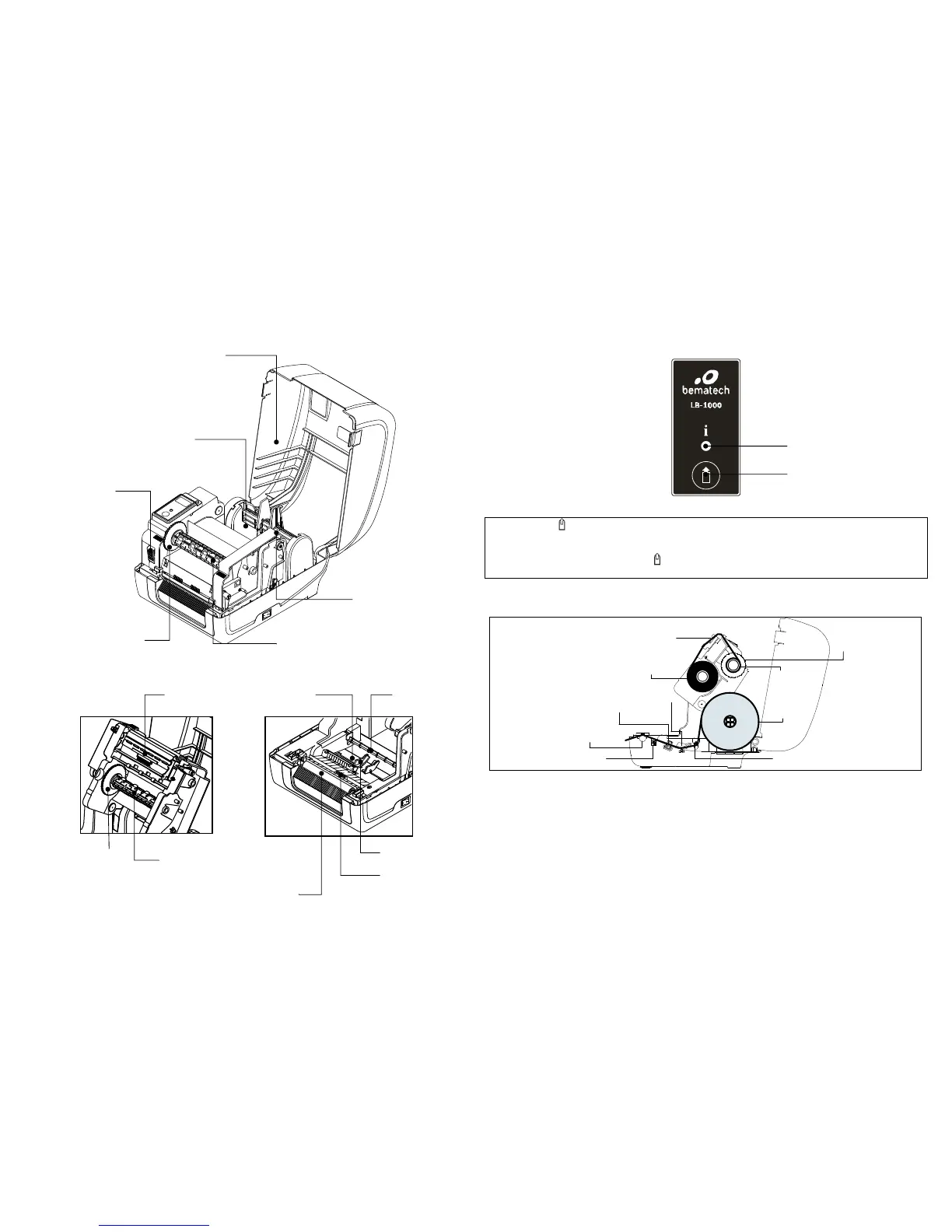
Printer Overview
Button Functions
LB-1000 Label Printer has one Feed Button and one colored LED to indicate its status.
(1) Feed labels (
)
When the printer is ready, press the button to feed one label to the beginning of next label.
(2) Pause the printing job
When the printer is printing, press the “FEED (
)” button to pause a print job. When the printer is paused the LED will be green
blinking. Press the button again to continue the printing job.



 To Next Page