1150-003
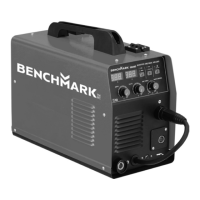
INVERTER MULTI-PROCESS WELDER KIT
30
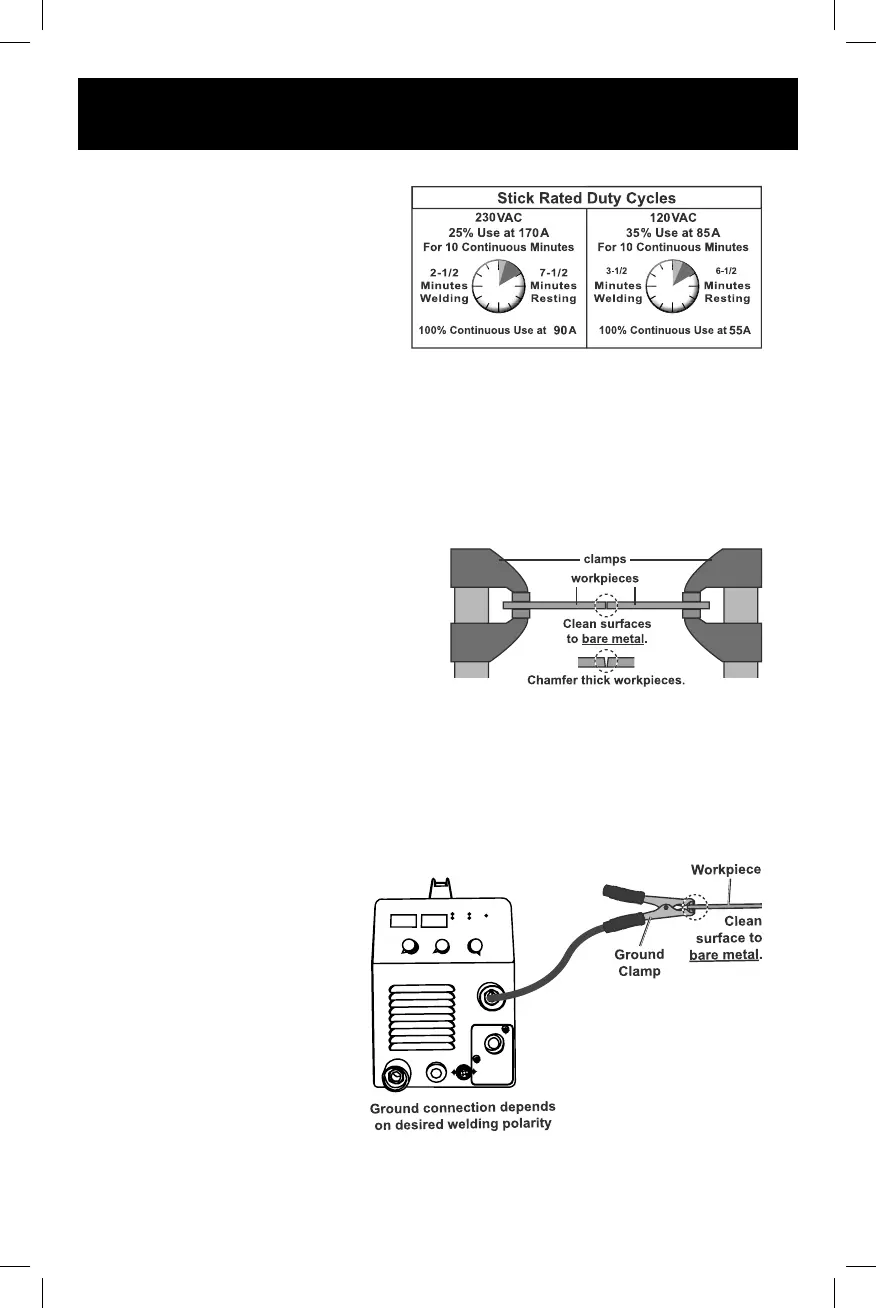
DUTY CYCLE (DURATION OF USE)
This Welder has an internal thermal
protection system to help prevent this
sort of over-stress.
When the Welder overheats, it
automatically shuts down and a
warning screen appears in the
LCD Display window. The Welder
automatically returns to service after cooling o. Should this occur, rest the Tig
Torch or Electrode Holder on an electrically non-conductive, heat-proof surface,
such as a concrete slab, well clear of the ground clamp. Allow the Welder to cool
with the power Switch on, so that the internal Fan will help cool the Welder.
When normal operation resumes, use shorter welding periods and longer rest
periods to prevent needless wear.
SETTING UP THE WELD
1. Make practice welds on pieces of
scrap the same thickness as your
intended workpiece to practice
technique before welding anything
of value. Clean the weld surfaces
thoroughly with a wire brush or angle
grinder; there must be no rust, paint,
oil, or other materials on the weld
surfaces, only bare metal.
2. Use clamps (not included) to hold the workpieces in position so that you can
concentrate on proper welding technique. The distance (if any) between the
two workpieces must be controlled properly to allow the weld to hold both sides
securely while allowing the weld to penetrate fully into the joint. The edges of
thicker workpieces may need to be chamfered (or beveled) to allow proper weld
penetration.
NOTICE: When welding
equipment on a vehicle,
disconnect the vehicle
battery power from both the
positive connection and the
ground before welding. This
prevents damage to some
vehicle electrical systems and
electronics due to the high
voltage and high frequency
bursts common in welding.
3. Clamp Ground Cable to bare
metal on the workpiece near
the weld area, or to metal work
bench where the workpiece is
clamped.


 To Next Page