5-20
Rev 1
5.4.5 Deleting User-Defined Waypoints
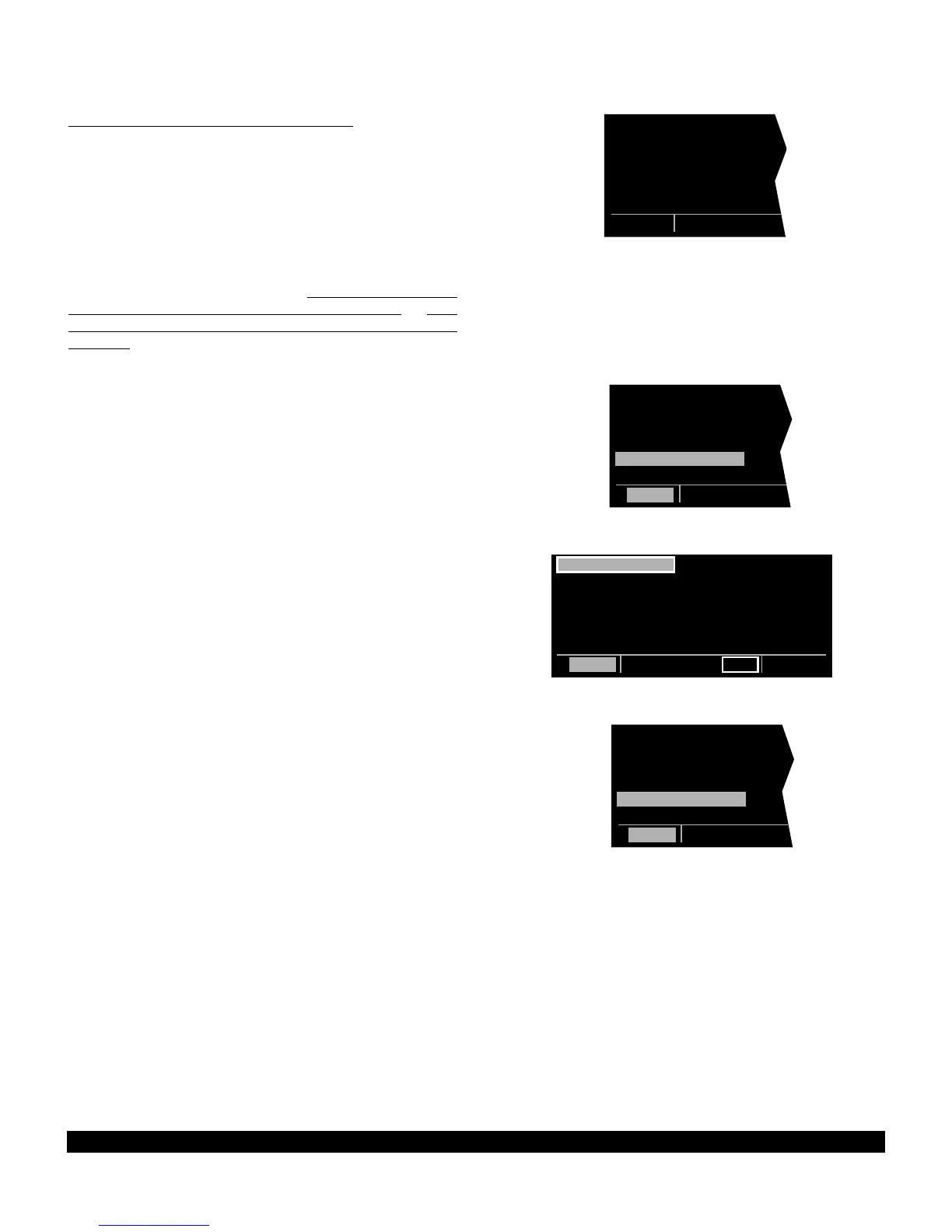
A listing of all user-defined waypoints is contained on
the Other 3 page (OTH 3). See figure 5-77. The user-
defined waypoints are listed by category; airports (A)
are first, VORs (V) are second, NDBs (N) are third, inter-
sections (I) are fourth, and Supplemental waypoints (S)
are last. Within each category, the waypoints are alpha-
betized by identifier. To the right of the identifier is the
type waypoint defined (A, V, N, I, or S). If the waypoint
is used in a flight plan, the flight plan number is shown
to the right of the waypoint type. If more than five user
waypoints exist, it is necessary to press the left C and
then use the left outer knob to scroll through the com-
plete list. To delete a user waypoint:
1. Select the OTH 3 page.
2. Press the left C and use the left outer knob to
move the cursor over the waypoint to be deleted (fig-
ure 5-78). If more than five user-defined waypoints
exist, it is necessary to use the left outer knob to
scroll through the complete list. A waypoint con-
tained in a flight plan cannot be deleted without first
either deleting the waypoint from the flight plan or
deleting the entire flight plan.
3. Press CLR (figure 5-79). The waypoint page for the
waypoint to be deleted appears on the right side.
4. Press E (figure 5-80).
5. Press the left C to turn off the left cursor function.
Figure 5-77



 To Next Page